Disk Cloning Software For Full Drive Backup
6 min read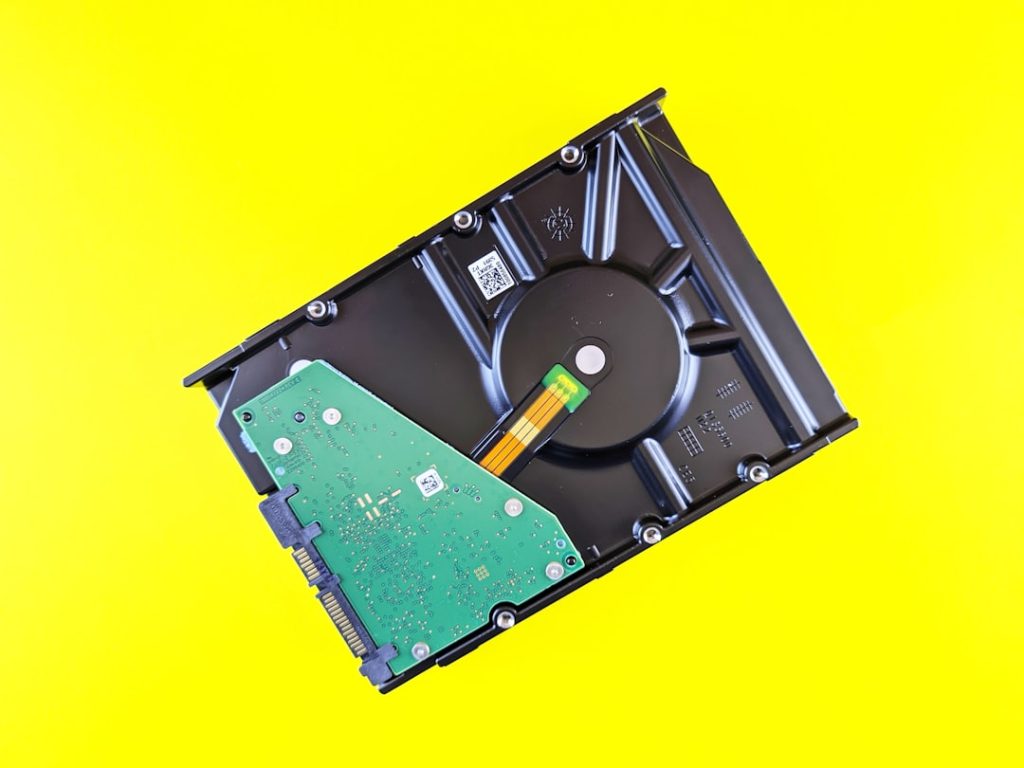
In an age where digital data drives both personal and professional life, protecting entire storage drives has become a necessity rather than a luxury. From operating systems and applications to personal files and business databases, a single hard drive can contain years of valuable information. Disk cloning software for full drive backup offers a powerful and reliable solution by creating an exact, bootable replica of a drive. This approach ensures that, in the event of hardware failure, cyberattack, or accidental deletion, systems can be restored quickly and efficiently with minimal downtime.
TLDR: Disk cloning software creates an exact copy of a hard drive, including the operating system, settings, and files. It allows users to restore their system quickly in case of drive failure or data loss. Unlike basic file backups, cloning ensures a fully bootable replacement drive. It is an essential tool for businesses, IT professionals, and individuals who want comprehensive data protection.
What Is Disk Cloning Software?
Disk cloning software is a program designed to copy the entire contents of a storage device to another drive. This includes:
- Operating system files
- Installed applications
- System configurations
- User data and personal files
- Hidden system partitions
Unlike traditional file-level backups that only copy selected data, disk cloning duplicates everything sector by sector. The result is a fully functional drive that can immediately replace the original if needed.
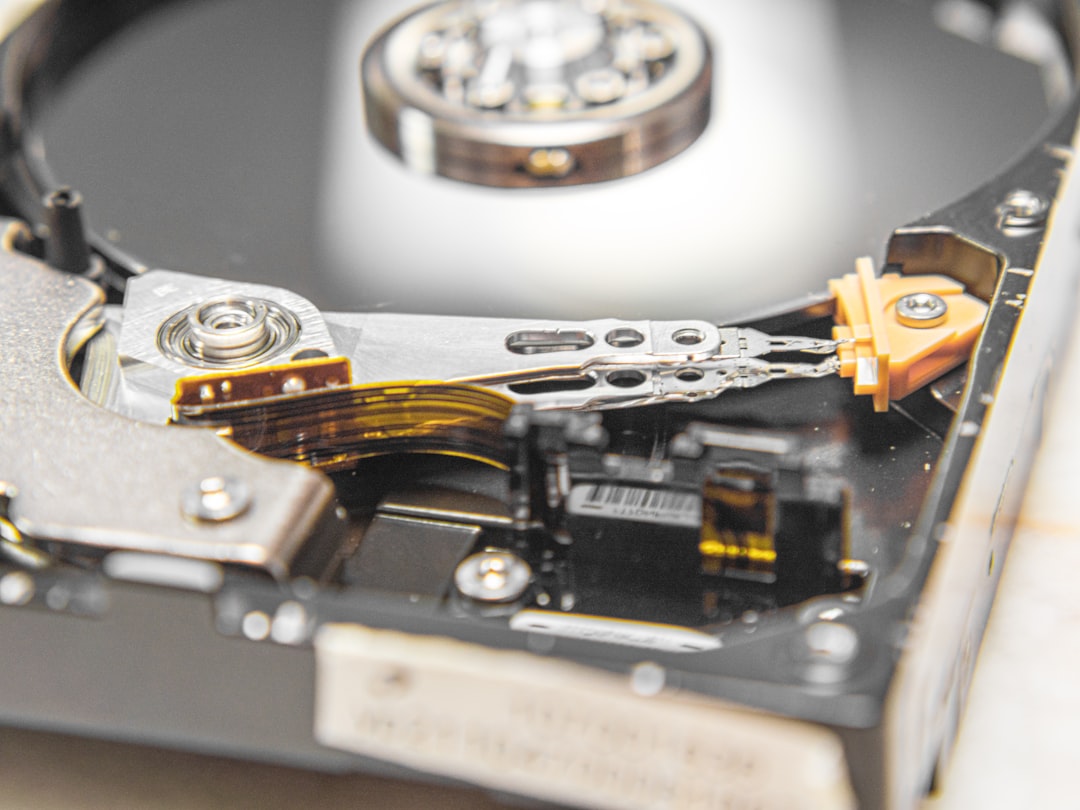
Because the cloned drive mirrors the original in structure and content, it can often be swapped into a system without any reinstallation or reconfiguration. This makes cloning one of the most efficient recovery strategies available.
How Disk Cloning Differs from Regular Backups
Many people confuse cloning with standard backups. While both protect data, their functionality differs significantly.
Traditional Backups:
- Copy selected files or folders
- May require restoration software to retrieve files
- Do not usually create a bootable system
- Ideal for document-level recovery
Disk Cloning:
- Copies the entire drive structure
- Creates a bootable duplicate
- Enables rapid system restoration
- Ideal for disaster recovery and system migration
For instance, if a primary hard drive fails, restoring from a regular backup could take hours of reinstalling the operating system, drivers, and applications. With a cloned drive, recovery may simply involve replacing the failed hardware with the cloned copy.
Key Features of Disk Cloning Software
Modern disk cloning software includes sophisticated features that enhance usability, efficiency, and reliability.
1. Sector-by-Sector Cloning
This method copies every sector of a drive, including unused space. It ensures a complete and exact duplicate, which is particularly useful for sensitive systems or forensic analysis.
2. Intelligent Cloning
Some tools offer intelligent or smart cloning, which copies only used sectors. This speeds up the process and allows cloning to a smaller destination drive if sufficient space exists.
3. Scheduled Cloning
Automation allows users to create updated clones at regular intervals, ensuring backups remain current without manual intervention.
4. Drive Resizing and Adjustment
Advanced cloning software can adjust partition sizes automatically when migrating to larger drives, making disk upgrades seamless.
5. SSD Optimization
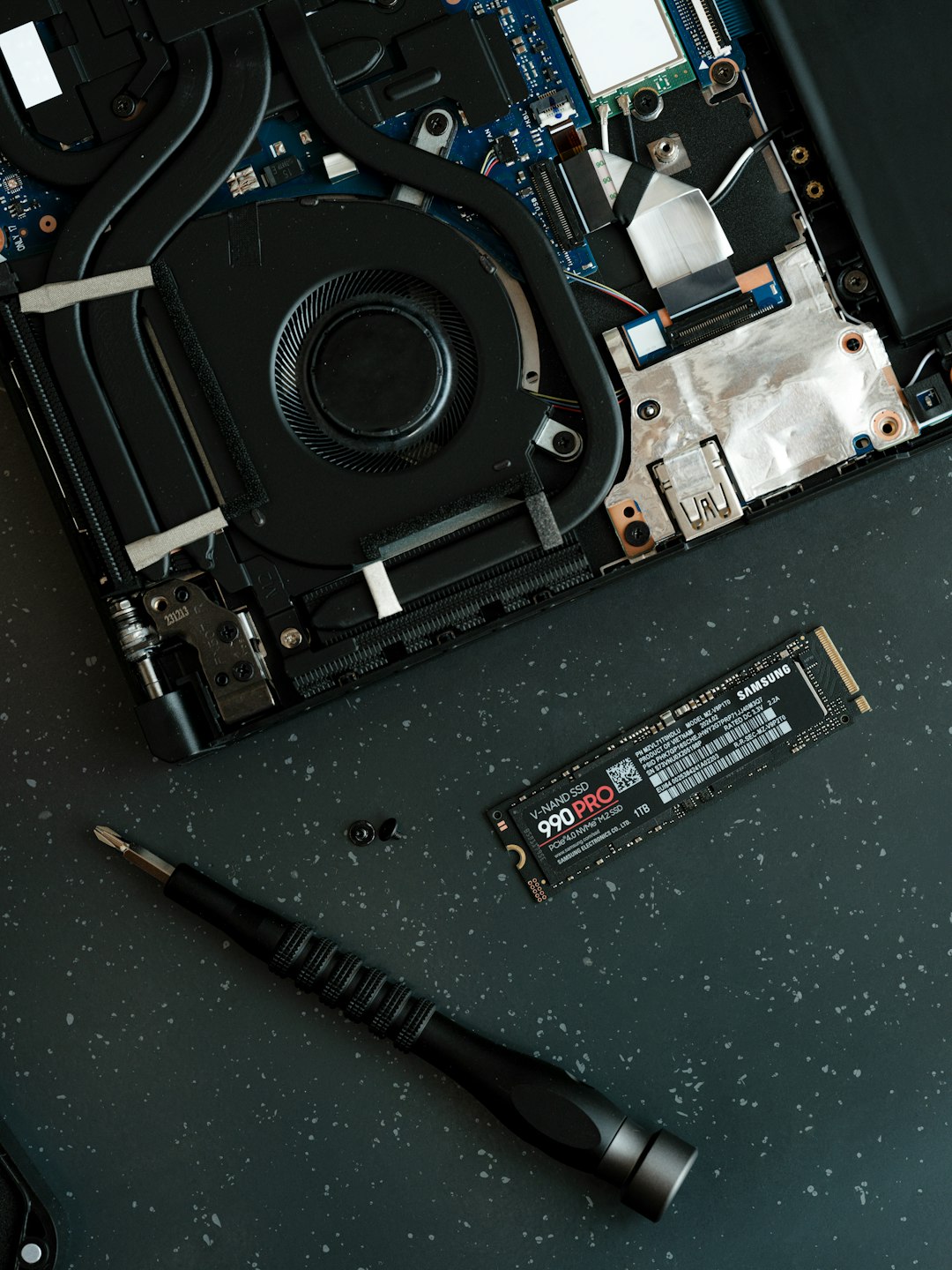
Cloning to solid-state drives often requires sector alignment and performance optimization, features that quality software handles automatically.
Benefits of Full Drive Cloning
Rapid Disaster Recovery
System crashes and hardware failures can cripple productivity. A cloned drive dramatically reduces downtime by enabling near-instant system restoration.
Simple Drive Upgrades
Users upgrading from an HDD to an SSD can clone the original drive to the new hardware without reinstalling the operating system or applications.
Business Continuity
For organizations, downtime is costly. Cloned drives serve as ready-to-deploy replacements, ensuring smoother operations during emergencies.
Data Integrity
Because cloning duplicates the exact drive structure, configuration errors are minimized when compared to manual reinstallation and setup.
Use Cases for Disk Cloning Software
Disk cloning software serves a wide variety of users and industries.
Home Users
Individuals can protect personal data such as photos, financial records, and work files. A cloned drive ensures peace of mind if a laptop hard drive suddenly fails.
IT Professionals
Technicians frequently use cloning to deploy identical system setups across multiple machines efficiently.
Businesses
Organizations rely on cloning for:
- Server redundancy
- Workstation deployment
- Regulatory compliance backup strategies
- Rapid system restoration
Educational Institutions
Schools and universities often clone configured systems across computer labs to save time and maintain uniformity.
Steps Involved in Cloning a Drive
While procedures vary depending on the software used, the typical process includes:
- Selecting the Source Drive – The disk containing the data to be cloned.
- Choosing the Destination Drive – The target disk that will receive the cloned data.
- Configuring Cloning Options – Selecting sector-by-sector or intelligent cloning.
- Executing the Clone – Initiating the process and monitoring progress.
- Testing the Clone – Booting from the cloned drive to verify functionality.
Testing is a critical but often overlooked step. A clone should be verified to ensure that it operates exactly like the original drive before being relied upon in an emergency.
Important Considerations Before Cloning
Storage Capacity
The destination drive must have sufficient space to accommodate the source data. Even with intelligent cloning, adequate capacity is essential.
Drive Health
Cloning a failing drive can sometimes replicate corrupted sectors. Running diagnostic checks before cloning is recommended.
Encryption and Security
If the original disk uses encryption, compatible cloning software is necessary to maintain bootability and data accessibility.
Hardware Compatibility
When migrating across different hardware configurations, driver conflicts may arise. Some cloning tools provide hardware-independent restore features to mitigate these challenges.
Disk Cloning vs. Disk Imaging
Another common point of confusion is the difference between disk cloning and disk imaging.
Disk Cloning:
- Creates a direct, usable copy of a drive
- Produces a bootable disk immediately
- Requires a separate target drive
Disk Imaging:
- Creates a compressed image file
- Requires restoration to become usable
- Allows storage of multiple versions
Both methods are valuable. However, for immediate disaster recovery readiness, cloning offers faster deployment.
Best Practices for Using Disk Cloning Software
- Schedule Regular Clones: Keep backups updated to reflect system changes.
- Store Cloned Drives Safely: Protect them from environmental damage and unauthorized access.
- Test Periodically: Verify boot functionality on a test machine.
- Combine with Other Backups: Use cloud or file-level backups alongside cloning for comprehensive protection.
Implementing a layered backup strategy significantly increases resilience against data loss scenarios.
Challenges and Limitations
Although powerful, disk cloning is not without limitations.
- Cloned drives must typically remain physically stored until needed.
- Frequent cloning of large drives can be time-consuming.
- Ransomware infections can be duplicated if clones are created after compromise.
To mitigate risks, users should maintain multiple versions and ensure clean system states before cloning.
The Future of Disk Cloning Technology
As storage technology evolves, disk cloning software continues to advance. Growing support for NVMe drives, virtualization environments, and cloud-integrated cloning solutions reflects changing infrastructure needs. Additionally, automation powered by intelligent algorithms is making cloning faster and more resource-efficient.
Cyber threats and increasing data volumes further underscore the need for comprehensive drive-level protection. Full disk cloning remains one of the most dependable methods for preserving complex digital ecosystems.
FAQ: Disk Cloning Software for Full Drive Backup
1. Is disk cloning better than regular backups?
It depends on the goal. Disk cloning is superior for rapid system recovery because it creates a bootable duplicate. Regular backups are better for restoring individual files and maintaining multiple historical versions.
2. Can a cloned drive boot immediately?
Yes. If the cloning process completes successfully and the destination drive is compatible, it should function as an immediate replacement.
3. How often should a drive be cloned?
This depends on how frequently the system changes. Business environments may require weekly or even daily clones, while home users might perform monthly updates.
4. Can disk cloning copy a drive to a smaller SSD?
Yes, provided the used data on the source drive fits within the smaller SSD’s capacity and intelligent cloning is supported.
5. Is disk cloning safe for encrypted drives?
Yes, as long as the software supports encrypted partitions and maintains the necessary boot information during the cloning process.
6. Does cloning remove data from the original drive?
No. Cloning copies data from the source to the destination but does not erase or modify the original unless specifically instructed.
7. Should disk cloning replace other backup methods?
No. The best strategy combines cloning with cloud backups, disk imaging, or file-level backups to ensure comprehensive coverage.
Disk cloning software stands as a cornerstone of modern data protection strategies. By delivering a full, bootable copy of a drive, it provides unmatched readiness for hardware failure and catastrophic data loss. Whether for personal use or enterprise deployment, the ability to restore an entire system within moments makes disk cloning an invaluable component of digital resilience.