Top-Rated Website Builders Compared: Find the Perfect Fit for Your Needs
5 min read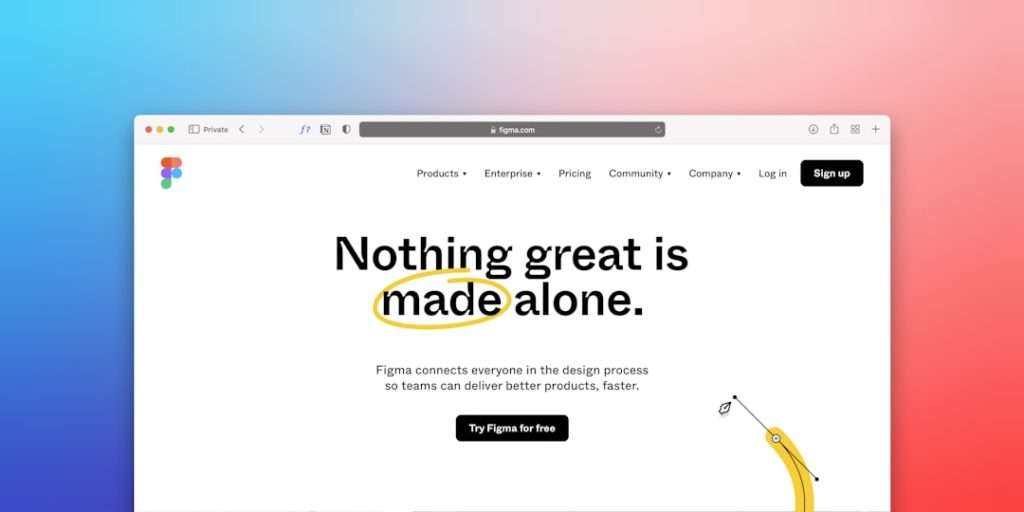
Choosing the right website builder can make the difference between a seamless, successful launch and a frustrating experience filled with limitations. With dozens of platforms promising professional results, intuitive interfaces, and affordable pricing, narrowing down the best option requires careful comparison. From small business owners and bloggers to ecommerce entrepreneurs and creatives, each user has unique needs that demand specific features and flexibility.
TLDR: The best website builder depends on specific goals, budget, and technical comfort level. Wix offers flexibility and design freedom, Squarespace excels in aesthetics, Shopify dominates ecommerce, WordPress.com provides powerful customization, and Webflow targets advanced designers. Evaluating ease of use, pricing, scalability, and built-in tools helps determine the perfect fit. A side-by-side comparison makes the decision clearer and more strategic.
What to Look for in a Website Builder
Before diving into individual platforms, it is important to understand the core factors that separate average builders from top-rated ones.
- Ease of Use: Drag-and-drop editors and intuitive dashboards simplify the building process.
- Design Flexibility: Templates, customization options, and creative control matter for branding.
- Pricing and Value: Consider subscription tiers, transaction fees, and hidden costs.
- SEO and Marketing Tools: Built-in analytics, blogging tools, and optimization features improve visibility.
- Scalability: The platform should grow alongside the business.
- Ecommerce Capability: For online selling, inventory management and payment integrations are essential.
With these criteria in mind, the following top-rated website builders consistently stand out.
1. Wix – Best for Creative Freedom
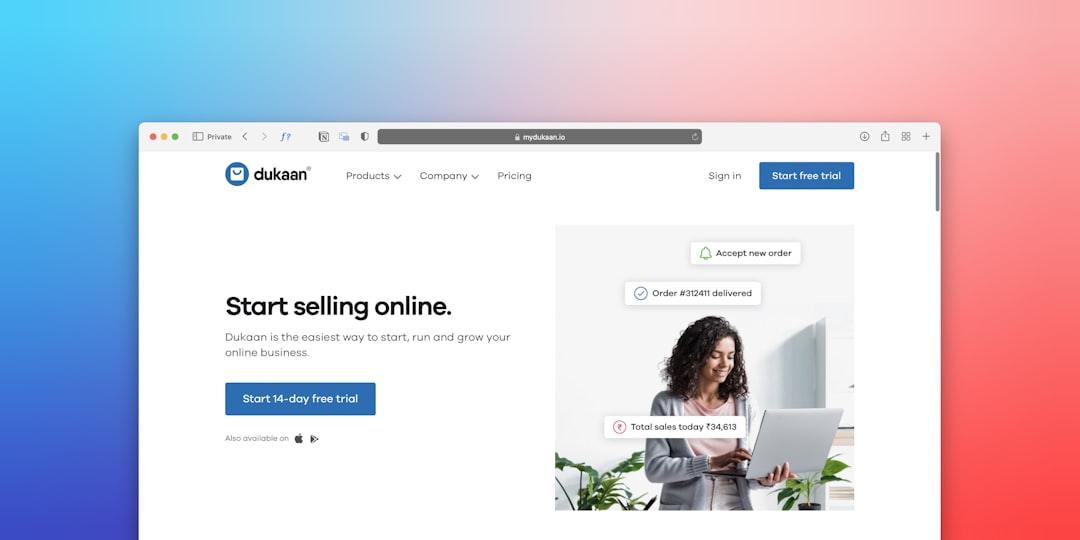
Wix is widely recognized for its versatility and beginner-friendly interface. Its drag-and-drop editor allows users to position elements anywhere on the page, offering exceptional creative freedom.
Key strengths:
- Over 800 customizable templates
- App marketplace for added functionality
- Built-in SEO and marketing tools
- AI-powered design assistance
Wix is ideal for small businesses, freelancers, and bloggers who want a professional-looking site without coding knowledge. However, once a template is chosen, switching requires rebuilding the site, which may limit long-term flexibility.
Best for: Entrepreneurs seeking design flexibility and ease of use.
2. Squarespace – Best for Stunning Visual Design
Squarespace has built a reputation for sleek, modern templates perfect for portfolios, photographers, and creatives. Its designs emphasize strong typography and image presentation.
Highlights:
- Award-winning template aesthetics
- Integrated ecommerce functionality
- Strong blogging tools
- Reliable hosting and security included
While slightly less flexible than Wix in drag-and-drop positioning, Squarespace provides clean structure and polished design. It is particularly attractive for brands that value visual storytelling and cohesive layouts.
Best for: Creatives and businesses prioritizing aesthetics.
3. Shopify – Best for Ecommerce Dominance
Shopify is purpose-built for selling products online. Unlike general website builders that offer ecommerce as an add-on, Shopify centers its entire platform on online store functionality.

Core ecommerce features include:
- Advanced inventory management
- Multiple payment gateway integrations
- Scalable plans for growing businesses
- Extensive app marketplace
Shopify makes it easy to manage products, track orders, and optimize sales funnels. Though its design flexibility is more structured compared to Wix, its ecommerce performance is unmatched for serious sellers.
Best for: Businesses focused primarily on selling physical or digital products.
4. WordPress.com – Best for Content and Flexibility
WordPress.com should not be confused with the self-hosted WordPress.org platform, but it still offers significant customization and content management capabilities.
Advantages:
- Powerful blogging infrastructure
- Extensive plugin ecosystem (on higher-tier plans)
- Scalable hosting options
- Strong SEO control
WordPress.com is especially appealing to content-heavy sites such as magazines, educational platforms, and large blogs. While beginners may experience a learning curve, its advanced customization potential makes it highly versatile.
Best for: Publishers, bloggers, and content-driven businesses.
5. Webflow – Best for Advanced Design Control
Webflow targets designers who want near-complete creative control without directly coding everything from scratch. It combines visual building tools with powerful backend customization.
Standout features:
- Advanced animation and interaction tools
- Clean, exportable code
- CMS functionality for dynamic content
- Professional-level design precision
Webflow includes a steeper learning curve, but it rewards users with high-level customization options often unavailable on simpler platforms.
Best for: Designers and agencies needing advanced styling and dynamic functionality.
Comparison Chart: Top-Rated Website Builders
| Platform | Ease of Use | Design Flexibility | Ecommerce Strength | Best For | Starting Price (Approx.) |
|---|---|---|---|---|---|
| Wix | Very Easy | High | Good | Small businesses, freelancers | $16/month |
| Squarespace | Easy | Moderate to High | Good | Creatives, portfolios | $16/month |
| Shopify | Moderate | Moderate | Excellent | Online stores | $39/month |
| WordPress.com | Moderate | High (Higher plans) | Moderate | Bloggers, publishers | $4/month |
| Webflow | Advanced | Very High | Moderate | Design professionals | $18/month |
Pricing Considerations
Price plays a significant role in decision-making, but it should not be the only factor. Lower-tier plans may include platform branding or limit storage and features. Higher tiers typically remove ads, enable custom domains, and unlock advanced functionality.
Additionally, ecommerce platforms may charge transaction fees on lower plans. Businesses anticipating rapid growth should consider scalability rather than focusing solely on initial affordability.
SEO and Marketing Capabilities
Visibility drives traffic and revenue. Most top-rated website builders now include built-in SEO tools such as meta tag editing, XML sitemaps, and mobile optimization.
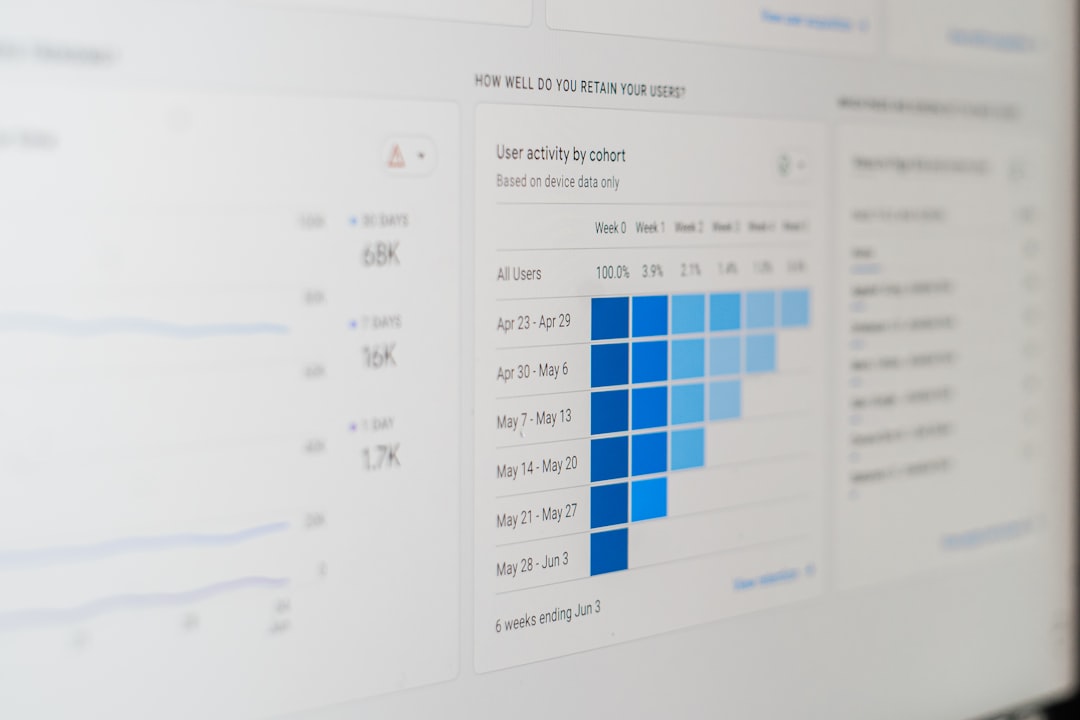
Email marketing integrations, blogging capabilities, and social media connections further enhance reach. WordPress.com excels in content-driven SEO, while Shopify offers powerful sales funnel analytics. Wix and Squarespace provide beginner-friendly SEO checklists, helping users optimize content step by step.
Which Website Builder Is Right for Different Needs?
For small local businesses: Wix provides a balance of ease and flexibility.
For photographers and designers: Squarespace offers visually striking templates.
For large ecommerce operations: Shopify delivers robust sales infrastructure.
For bloggers and publishers: WordPress.com supports content scaling.
For professional web designers: Webflow ensures superior creative control.
Ultimately, the decision depends on technical comfort, growth plans, and the type of content or products being offered.
Final Thoughts
No single website builder fits every scenario. Each top-rated platform specializes in different strengths, whether in design freedom, ecommerce power, or content management. By identifying priorities such as scalability, aesthetics, and budget, individuals and businesses can confidently select a builder that aligns with their objectives.
The best approach is to take advantage of free trials offered by most platforms. Testing the interface firsthand provides practical insight beyond feature lists, ensuring the chosen solution truly matches long-term goals.
Frequently Asked Questions (FAQ)
1. Which website builder is best for beginners?
Wix is generally considered the most beginner-friendly due to its intuitive drag-and-drop interface and AI-assisted design tools.
2. What is the best option for ecommerce?
Shopify stands out as the strongest ecommerce platform, offering advanced inventory management, payment integrations, and scalability for growing stores.
3. Are free website builder plans worth it?
Free plans can be useful for testing a platform but often include branded domains and limited features. For professional use, a paid plan is recommended.
4. Can a website builder handle SEO effectively?
Yes. Most modern builders include built-in SEO tools such as customizable meta tags, mobile optimization, and analytics tracking.
5. Which platform offers the most design flexibility?
Webflow provides the highest level of design precision, while Wix also offers significant creative freedom for non-technical users.
6. Is it difficult to switch website builders later?
Switching platforms can require rebuilding the site from scratch, especially when templates or proprietary systems are involved. Planning ahead reduces future migration challenges.
7. How much should be budgeted for a professional website?
Most small business websites can be maintained for $15 to $40 per month, depending on features and ecommerce needs. Advanced functionality may increase costs.