7 Must-Try Tools to Manage Projects Across Marketing and Dev Teams
5 min read
Marketing and development teams often feel like they speak different languages. One talks about leads, content, and campaigns. The other talks about sprints, tickets, and deployments. When these worlds collide, things can get messy. Deadlines slip. Messages get mixed. Fingers point. But it does not have to be this way. With the right tools, both teams can work together smoothly and even have fun doing it.
TLDR: Marketing and dev teams need shared tools to avoid chaos and confusion. The best platforms combine task tracking, communication, file sharing, and reporting in one place. Tools like Asana, Jira, ClickUp, Monday.com, Trello, Notion, and Wrike make collaboration simple. Pick the one that fits your team’s size, goals, and workflow style.
Below are seven must-try tools that help marketing and development teams stay aligned, move faster, and stress less.
1. Asana
Best for: Clear task tracking and cross-team visibility.
Asana is simple. That is its superpower. You can create tasks, assign owners, set deadlines, and track progress in seconds. Marketing can plan campaigns. Devs can manage product updates. Everyone can see what is going on.
- Timeline view for launch planning
- Custom fields for priorities and tags
- Automations to reduce repetitive work
- Dashboards for quick updates
It works well for teams that want structure without complexity. You can zoom out to see the big picture. Or zoom in to focus on a single task.
Why marketing loves it: Easy campaign planning.
Why dev teams like it: Clear ownership and deadlines.
2. Jira
Best for: Agile development teams working closely with marketing.
Jira is powerful. It is built for developers. But marketing teams can benefit too. Especially when launching features or coordinating product releases.
Jira helps teams:
- Track bugs and feature requests
- Manage sprints and backlogs
- Prioritize releases
- Report on team velocity
Marketing teams can submit requests directly. No more lost emails. No more random Slack messages.
The learning curve is steeper. But once set up, it becomes a central hub for product-related collaboration.
Pro tip: Use shared boards for campaign-related releases.
3. ClickUp
Best for: Teams that want everything in one place.
ClickUp tries to replace all your tools. Tasks, docs, goals, chat, time tracking. It is an all-in-one workspace.
That makes it powerful. But also flexible.
- Custom workflows for marketing and dev
- Built-in docs and wikis
- Sprint management tools
- Goal tracking and OKRs
You can create separate spaces for different teams. But still connect them through shared dashboards.
ClickUp is ideal if you want fewer tools and more integration.
4. Monday.com
Best for: Visual planners and campaign-heavy marketing teams.
Monday.com is colorful. Visual. Easy to use. It feels less intimidating than some dev-focused platforms.
Marketing teams love the drag-and-drop boards. Dev teams appreciate clear status columns.
- Visual workflow boards
- Automated status updates
- Integration with Slack and GitHub
- Time tracking features
It works well when campaigns depend on product updates. Everyone can see progress in real time.
5. Trello
Best for: Simple projects and smaller teams.
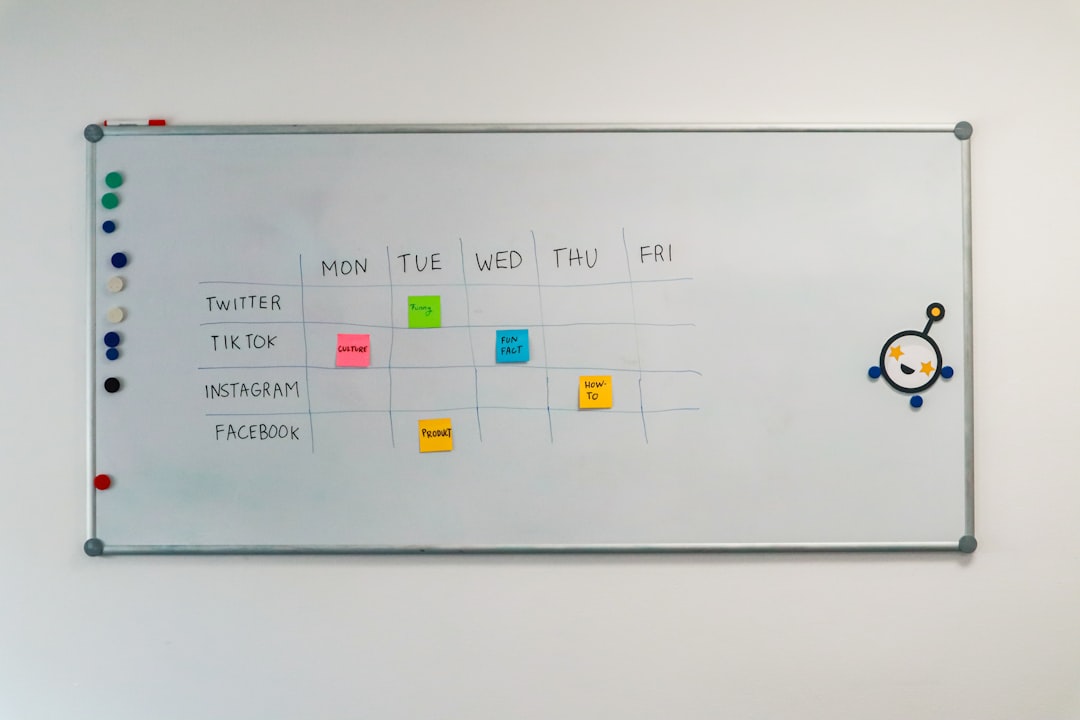
Trello uses Kanban boards. That means tasks move from left to right. For example: To Do → Doing → Done.
It is visual. Clean. Minimal.
- Drag-and-drop cards
- Checklists inside tasks
- Easy file attachments
- Power-ups for added features
It is not as advanced as other tools. But that is the point. If your team wants light structure without complexity, Trello is perfect.
Great for: Content calendars, feature launch checklists, small sprint cycles.
6. Notion
Best for: Documentation and knowledge sharing.
Notion is not just a task manager. It is a thinking space. A wiki. A content planner. And more.
Marketing teams can build content calendars. Dev teams can write technical specs. Everything lives in one place.
- Shared documentation
- Embedded databases
- Roadmap planning
- Content collaboration
It shines in transparency. No more asking, “Where is that document?”
Pair Notion with a stronger task tool if you need complex workflows. But for planning and communication, it is hard to beat.
7. Wrike
Best for: Enterprise-level collaboration.
Wrike is robust. It is built for large teams with complex approvals and reporting needs.
It offers:
- Advanced reporting tools
- Custom request forms
- Resource management
- Proofing and approval features
Marketing can manage creative reviews. Dev can track product timelines. Leadership can see performance reports.
If your projects involve many stakeholders, Wrike keeps chaos under control.
Quick Comparison Chart
| Tool | Best For | Ease of Use | Agile Support | Marketing Features |
|---|---|---|---|---|
| Asana | Cross-team collaboration | High | Moderate | Strong campaign tracking |
| Jira | Development teams | Moderate | Excellent | Good for release coordination |
| ClickUp | All-in-one workspace | Moderate | Strong | Built-in docs and goals |
| Monday.com | Visual project planning | High | Moderate | Great for marketing workflows |
| Trello | Small teams | Very High | Basic | Simple content tracking |
| Notion | Documentation | High | Basic | Content planning and wikis |
| Wrike | Enterprise teams | Moderate | Strong | Advanced approvals |
How to Choose the Right Tool
Do not just pick the most popular tool. Pick the one that fits your workflow.
Ask these questions:
- How big is our team?
- Do we use Agile methods?
- Do we need advanced reporting?
- Is documentation a priority?
- How tech-savvy is the team?
Also, think about integration. Your project tool should connect with:
- Email platforms
- Slack or Teams
- GitHub or GitLab
- CRM systems
- Analytics tools
Integration saves time. And reduces mistakes.
Tips for Making Any Tool Work
The tool is only part of the solution. Process matters more.
1. Define clear ownership.
Every task needs one owner. Not three.
2. Use shared dashboards.
Transparency builds trust.
3. Agree on priorities.
Marketing deadlines and dev deadlines must align.
4. Keep communication inside the tool.
Avoid scattered emails.
5. Review and improve.
What worked last quarter? What did not?
Final Thoughts
Marketing and development teams need each other. Marketing brings customers in. Dev builds the product they love. But without the right system, collaboration turns into confusion.
The good news? You do not need magic. You just need structure. And a shared workspace.
Start simple. Test one tool. Run a pilot project. Then expand.
When both teams can see the same plan, track the same goals, and celebrate the same wins, everything changes.
Projects ship faster. Campaigns perform better. And meetings become shorter.
That alone is worth the upgrade.