Two-Factor Authentication Apps For Better Account Security
6 min read
In an era where digital threats evolve faster than ever, protecting online accounts has become a fundamental necessity rather than an optional precaution. Passwords alone are no longer sufficient to defend against sophisticated phishing schemes, data breaches, and credential stuffing attacks. As cybercriminals develop more advanced techniques, individuals and organizations are increasingly turning to stronger layers of defense. One of the most reliable and accessible solutions available today is the use of two-factor authentication (2FA) apps, which add a critical extra barrier between attackers and sensitive information.
TLDR: Two-factor authentication apps add an extra layer of protection beyond passwords by generating time-sensitive codes. They significantly reduce the risk of unauthorized access, even if passwords are compromised. Authenticator apps are more secure than SMS-based verification and are easy to use across devices. Implementing 2FA is one of the most effective ways to improve overall account security.
Two-factor authentication works on a simple principle: verifying identity using two different forms of evidence. Traditionally, logging into an account required something the user knows — a password. With 2FA enabled, the user must also provide something they have, such as a smartphone running an authentication app. Only when both factors are confirmed does the system grant access.
Understanding Two-Factor Authentication Apps
Authentication apps generate temporary, time-based passcodes that typically refresh every 30 seconds. These codes are created using a shared secret key between the application and the service being accessed. Unlike SMS verification codes, which can be intercepted or redirected through SIM-swapping attacks, authentication apps operate offline once configured. This makes them substantially more secure.
Popular authentication apps include:
- Google Authenticator
- Microsoft Authenticator
- Authy
- Duo Mobile
Each of these apps offers similar core functionality, though some provide additional features such as encrypted backups, multi-device support, or biometric unlocking.

Why Passwords Alone Are Not Enough
Despite widespread awareness campaigns, many individuals continue using weak or reused passwords. Data breaches regularly expose millions of login credentials, which attackers later test across various platforms. Even strong passwords can be compromised through phishing schemes, keylogging malware, or brute-force techniques.
Two-factor authentication apps address these vulnerabilities by introducing a dynamic element to the login process. Even if an attacker obtains a password, they would still need access to the physical device generating the authentication code. Since codes expire quickly and cannot be reused, the window of opportunity for unauthorized access becomes extremely limited.
Key Benefits of Using 2FA Apps
Authenticator apps provide several notable benefits that make them superior to many other security methods.
- Enhanced Security: Time-based one-time passwords (TOTP) are resistant to interception and replay attacks.
- Offline Functionality: Codes can be generated without an internet connection once setup is complete.
- Protection Against SIM Swapping: Unlike SMS codes, app-based authentication is not tied to a mobile carrier.
- Ease of Use: After initial configuration, the login process becomes quick and straightforward.
- Compatibility: Most major online platforms support TOTP-based authentication.
This additional protection is particularly important for accounts containing financial information, private communications, cloud storage, or administrative controls.
How Authentication Apps Work
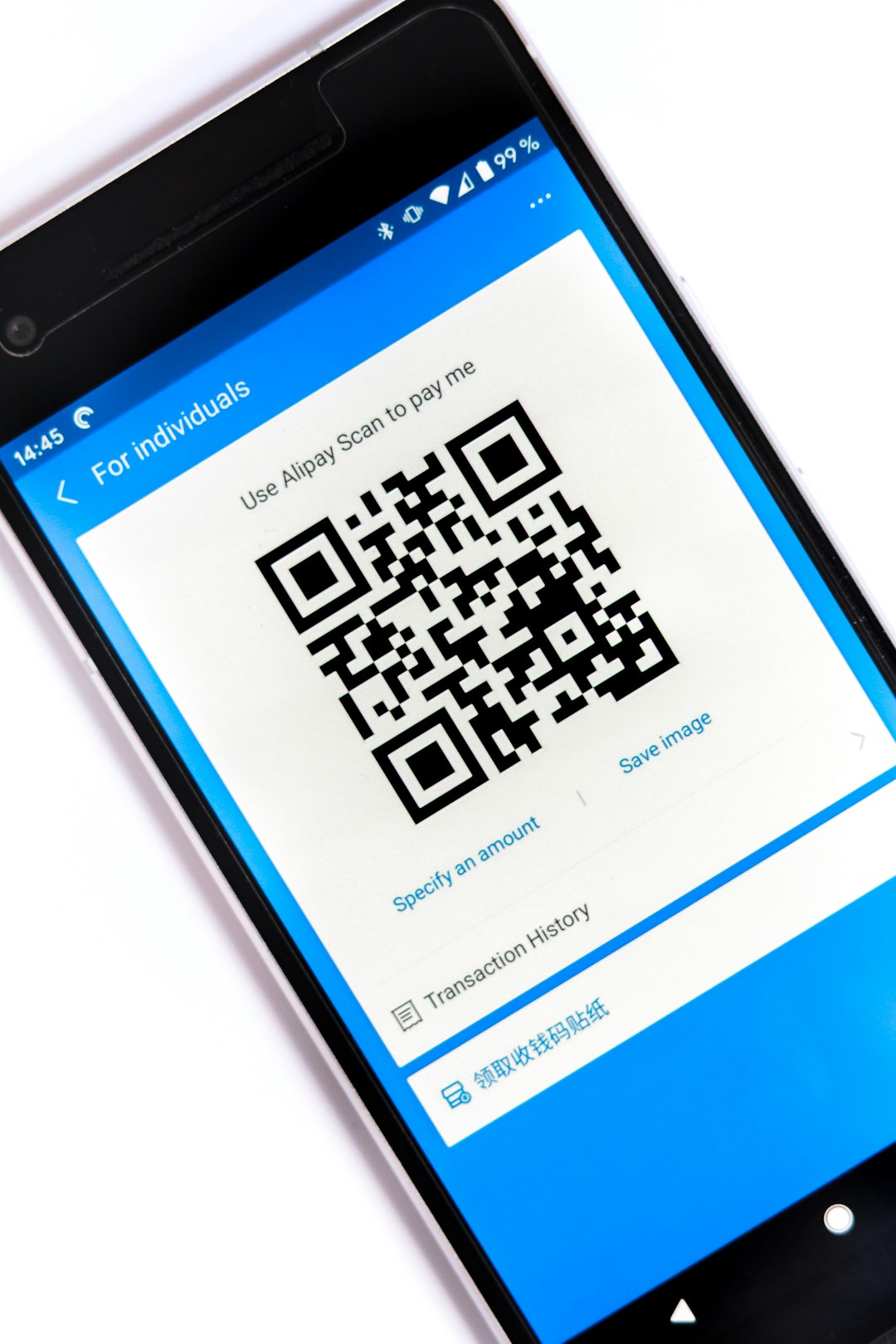
When enabling two-factor authentication on a supported website, users are typically presented with a QR code. Scanning this QR code using an authentication app establishes a shared cryptographic key. The app then uses a standardized algorithm to generate a new six-digit code approximately every 30 seconds.
The login process generally follows these steps:
- User enters username and password.
- The platform prompts for a one-time authentication code.
- The user opens the authentication app and enters the current code.
- Access is granted once the code is verified.
Behind the scenes, the system checks the submitted code against its own generated value. Because both the server and the app rely on synchronized time-based algorithms, the matching code confirms legitimacy without transmitting the shared secret itself.
Authentication Apps vs SMS-Based 2FA
While SMS-based two-factor authentication is better than no protection at all, it has significant weaknesses. Cybercriminals have exploited mobile carrier vulnerabilities to hijack phone numbers through SIM-swap attacks. Once they control the number, they can receive all SMS verification codes.
Authenticator apps eliminate this risk because they operate independently of cellular networks. Furthermore, SMS messages can be delayed or intercepted, while app-generated codes are created locally and instantly. For this reason, cybersecurity experts generally recommend app-based authentication over SMS whenever possible.
Best Practices for Using 2FA Apps
Simply installing an authentication app is not enough. Proper setup and management are essential to ensure maximum protection.
- Enable 2FA on All Critical Accounts: Email, banking, cloud storage, and social media accounts should always have 2FA enabled.
- Store Backup Codes Securely: Most platforms provide backup recovery codes during setup.
- Use Encrypted Backups: Some apps allow secure cloud backups to prevent lockout if the device is lost.
- Protect the Device Itself: Use biometric locks, PINs, or passwords on the smartphone.
- Avoid Phishing Attempts: Be cautious about entering authentication codes into suspicious websites.
It is important to remember that 2FA is not immune to sophisticated phishing attacks where users are tricked into entering real-time codes into fake websites. Awareness and vigilance remain essential components of digital security.
Multi-Device and Backup Considerations
One of the most common concerns users have is losing access to their authentication app due to phone damage, theft, or replacement. Modern authentication solutions address this issue through encrypted cloud backups or multi-device synchronization. However, users should carefully evaluate backup options to ensure they do not weaken security.
Some individuals prefer managing authentication apps on two devices simultaneously. Others store printed backup codes in a secure physical location. Both methods can reduce the risk of being locked out of vital accounts.
The Role of 2FA in Organizational Security
For businesses, two-factor authentication apps provide an essential layer of defense against unauthorized access to internal systems. Many corporate data breaches stem from compromised employee credentials. By requiring an additional authentication factor, organizations significantly reduce the probability of successful intrusion.
Enterprise environments often implement 2FA alongside other protective measures such as:
- Single sign-on (SSO) solutions
- Hardware security keys
- Biometric authentication
- Access monitoring and anomaly detection
This multi-layered approach, often referred to as defense in depth, strengthens overall resilience against cyberattacks.
Looking Ahead: 2FA and the Future of Authentication
As digital security continues to evolve, passwordless technologies such as passkeys and biometric authentication are gaining traction. However, two-factor authentication apps remain a critical part of modern security architecture. Even in passwordless models, possession-based verification plays a vital role.
Authentication apps provide a balance between convenience and strong protection. They require minimal technical knowledge to use while offering significant security advantages. For individuals seeking practical, proven methods to enhance account safety, enabling 2FA through a trusted authentication app is one of the most effective actions they can take.
Frequently Asked Questions (FAQ)
1. Are authentication apps safer than SMS verification?
Yes. Authentication apps are generally safer because they are not vulnerable to SIM-swapping attacks and do not rely on mobile network transmissions.
2. What happens if a user loses their phone?
If backup codes or encrypted backups were saved during setup, the user can regain access. Without backups, account recovery may require identity verification through the service provider.
3. Can two-factor authentication be hacked?
While no system is completely immune, app-based 2FA significantly reduces risk. Most breaches involving 2FA occur due to phishing scams where users unintentionally provide their authentication codes.
4. Do authentication apps require an internet connection?
No. After initial setup, most authentication apps generate codes offline using time-based algorithms.
5. Is two-factor authentication difficult to set up?
Not at all. Setup typically involves scanning a QR code and entering a verification code once. The entire process usually takes only a few minutes.
6. Should 2FA be enabled on every account?
It is strongly recommended for all accounts that store sensitive data, financial information, or personal communications. Even social media platforms benefit from added security.
In a digital world where threat actors continuously adapt their tactics, two-factor authentication apps offer a dependable and user-friendly solution. By combining something users know with something they have, these apps dramatically enhance protection and provide peace of mind in everyday online interactions.