Broken Screen Protector? When to Replace It and How to Prevent Future Damage
8 min read
Your phone’s screen protector is meant to be the first line of defense between your device and the chaos of everyday life: keys in your pocket, accidental drops, sandy beach bags, kitchen counters, and that one moment when your phone slides face down onto pavement. But what happens when the protector itself cracks, chips, bubbles, or starts peeling? A broken screen protector can be a minor annoyance, a safety issue, or a warning sign that your phone is no longer properly protected.
TLDR: If your screen protector is cracked, chipped, lifting, or affecting touch sensitivity, it is usually time to replace it. Small cosmetic scratches may not require immediate action, but damage near the edges or over the camera and sensors should not be ignored. To prevent future damage, use a quality protector, install it correctly, pair it with a good case, and avoid pressure, heat, dirt, and hard impacts whenever possible.
Why Screen Protectors Break in the First Place
A screen protector is designed to absorb impact, resist scratches, and reduce the risk of your phone’s actual display breaking. In many cases, a cracked protector has done exactly what it was supposed to do: it sacrificed itself so your expensive screen did not have to. That makes it less of a failure and more of a successful defense.
Still, screen protectors can break for several reasons. Tempered glass protectors are strong, but they are still glass. They can crack when dropped on a corner, pressed too hard in a bag, or exposed to sudden pressure. Plastic film protectors are less likely to shatter, but they scratch more easily and may peel or bubble over time. Hybrid protectors sit somewhere in between, offering flexibility with added impact resistance.
The most common causes of broken or damaged screen protectors include:
- Drops and impacts, especially on corners or uneven surfaces.
- Pressure damage from sitting on your phone or stuffing it into a tight pocket.
- Poor installation, which can leave weak spots, bubbles, or dust particles underneath.
- Low quality materials that crack, scratch, or peel faster than better-made protectors.
- Case interference, where the case pushes against the protector’s edges and causes lifting.
- Temperature changes, which can weaken adhesives or make glass more vulnerable.

When a Broken Screen Protector Should Be Replaced
Not every scratch means your protector needs immediate replacement. A faint surface mark that does not affect visibility or touch response may simply be normal wear. However, certain types of damage should be handled quickly because they reduce protection and may even make the phone unpleasant or unsafe to use.
Replace It If There Are Spreading Cracks
A single hairline crack may seem harmless at first, but cracks in tempered glass tend to spread. Once the structure is compromised, the protector cannot distribute impact as effectively. If you drop the phone again, the next impact may reach the actual display instead of being absorbed by the protector.
Cracks can also catch light in annoying ways, making the screen harder to read. If you find yourself tilting your phone to avoid glare from the crack, it is probably time for a replacement.
Replace It If the Edges Are Chipped
Chipped edges are a bigger problem than many people realize. A small chip near the border can create a sharp point, making it uncomfortable to swipe from the edge of the screen. On phones that rely heavily on gesture navigation, this becomes frustrating quickly.
Edge chips also weaken the protector. Since phone drops often land on corners or sides, a damaged edge means the protector is less prepared for the exact type of impact it is most likely to face.
Replace It If It Affects Touch Sensitivity
If your phone starts missing taps, delaying swipes, or behaving unpredictably after the protector cracks, replace it. Touch issues may happen because the protector has lifted slightly, cracked across an important area, or formed air gaps between the glass and display.
This is especially important if you use your phone for typing, gaming, digital payments, navigation, or work. A screen protector should make your phone safer, not harder to use.
Replace It If It Covers the Camera, Sensors, or Fingerprint Reader
Modern smartphones rely on front-facing cameras, proximity sensors, ambient light sensors, and sometimes in-display fingerprint sensors. If damage, dust, or bubbles interfere with those areas, you may notice blurry selfies, poor face unlock performance, random screen dimming, or fingerprint scan failures.
Even a small crack across a front camera cutout can scatter light and reduce image quality. If your protector is affecting any sensor or camera function, replacing it is the simplest fix.
Replace It If It Is Peeling or Bubbling
A protector that lifts at the corners is no longer fully attached. Dust, lint, moisture, and tiny particles can sneak underneath, making the peeling worse. Bubbles may start small but can expand across the screen, especially if the adhesive is aging or the protector was installed incorrectly.
Peeling also allows grit to collect under the protector. That grit can rub against the actual screen, especially if pressure is applied. In other words, a loose protector can eventually become part of the problem it was meant to prevent.
When You Might Not Need to Replace It Yet
There are a few cases where replacement is optional rather than urgent. If the protector has light scratches that are only visible under certain lighting, and if touch sensitivity, visibility, and edge comfort are unaffected, you can keep using it. This is especially true for plastic film protectors, which are expected to collect fine scratches over time.
However, do not ignore damage simply because the phone still works. A protector is like a helmet: once it has taken a serious hit, it may look mostly intact while offering less protection than before. If you are unsure, run your finger carefully around the damaged area. If you feel sharpness, lifting, looseness, or a crack deep enough to catch your nail, replacement is the safer choice.
Can a Broken Screen Protector Damage Your Phone?
Usually, a broken protector will not directly damage your phone. In fact, it often prevents damage. But if left on too long, it can create secondary problems. Tiny glass fragments can loosen, sharp edges can scratch your fingers, and trapped dirt can cause abrasion. A badly cracked protector can also make it harder to inspect the real screen underneath, leaving you uncertain whether the phone itself is damaged.
If your phone suffered a hard drop, remove the protector carefully and check the actual display. Look for deep cracks, black spots, colored lines, dead pixels, or touch problems. If the display looks perfect, you can breathe a little easier and install a new protector.
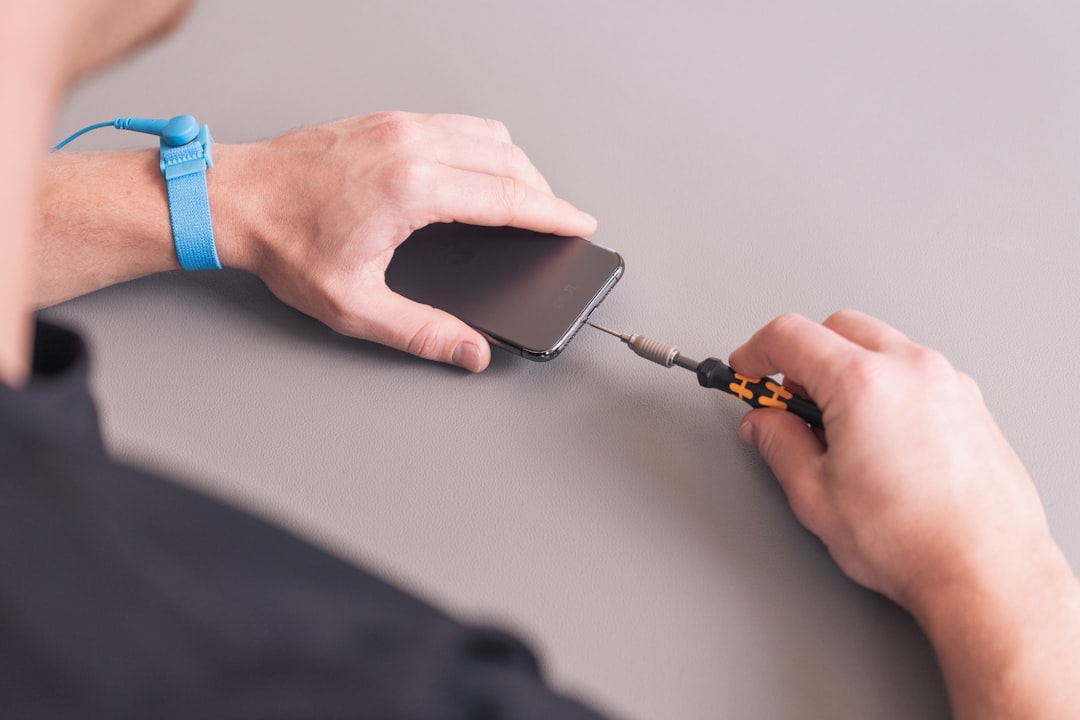
How to Remove a Broken Screen Protector Safely
Removing a cracked screen protector is simple, but it should be done carefully. The goal is to avoid cutting your fingers and prevent broken pieces from scattering.
- Wash and dry your hands so you have a clean grip.
- Power off the phone to avoid accidental taps and make cracks easier to see.
- Use tape over heavily cracked areas to hold fragments together.
- Lift one corner gently with a fingernail, plastic card, or thin plastic pick.
- Peel slowly, keeping the protector as flat as possible while removing it.
- Dispose of it safely, especially if it is tempered glass. Wrap it in paper or tape before throwing it away.
Avoid using metal tools unless absolutely necessary, as they can scratch the frame or display. If the protector is shattered into many pieces, take your time. Rushing can turn a quick replacement into a messy cleanup.
Choosing the Right Replacement
Not all screen protectors are equal. The right option depends on your phone, lifestyle, and preferences. If you drop your phone often, a high-quality tempered glass protector is usually the best choice. If you prefer a thin, nearly invisible layer and mostly want scratch protection, a film protector may be enough.
Here are the main types to consider:
- Tempered glass: Excellent clarity, strong impact protection, smooth touch feel, but can crack under heavy impact.
- Plastic film: Thin, flexible, and affordable, but less protective against drops and more prone to scratches.
- Hydrogel or flexible film: Good for curved screens, self-healing against minor scratches, but softer than glass.
- Privacy glass: Limits side viewing, useful in public spaces, but may slightly reduce brightness.
- Matte protectors: Reduce glare and fingerprints, great for reading and stylus use, but may soften display sharpness.
Also check compatibility with your phone case. A protector that extends too far toward the edges may be pushed up by a tight case. Look for “case friendly” options if you use a protective case with raised edges.
How to Install It Properly
Even the best protector can fail early if installed poorly. Dust, fingerprints, and misalignment can cause bubbles, weak adhesion, and edge lifting. Try to install it in a clean, low-dust environment. A bathroom after a warm shower can work well because moisture in the air helps settle dust, though the phone itself should stay dry.
Before installation, clean the screen thoroughly with the included wipe, then dry it with a microfiber cloth. Use a dust removal sticker to pick up any remaining particles. Align the protector carefully with the speaker, camera, and edges before pressing it down. Once it touches the screen, allow the adhesive to spread naturally, then gently push bubbles outward with a soft cloth or card.
Patience matters. Most installation problems come from rushing.
How to Prevent Future Screen Protector Damage
You cannot prevent every accident, but you can greatly reduce the chances of breaking another protector. Prevention is mostly about reducing impact, pressure, and exposure to damaging materials.
- Use a protective case with raised edges. A lip around the screen helps keep the glass from hitting flat surfaces directly.
- Keep your phone away from keys and coins. Hard objects can scratch or chip the protector in pockets and bags.
- Do not place heavy items on your phone. Pressure can crack glass even without a drop.
- Avoid extreme heat. Heat can weaken adhesive and make protectors more likely to lift.
- Clean it regularly. Dirt and grit can act like sandpaper over time.
- Handle your phone with two hands in risky places. Stairs, sidewalks, bathrooms, and cars are common drop zones.
- Replace worn cases. A stretched or cracked case may no longer protect the screen edges properly.
What About Liquid Screen Protectors?
Liquid screen protectors are often marketed as invisible protection. They may add a thin coating that helps with minor scratches, but they do not provide the same impact absorption as tempered glass. Once applied, they also cannot be easily removed and replaced like a physical protector.
If you want serious drop protection, a liquid protector alone is usually not enough. It may be useful as a secondary coating, but for most people, a physical screen protector remains the more practical and visible safeguard.
The Bottom Line
A broken screen protector is not always an emergency, but it is never something to ignore completely. If it is cracked, chipped, lifting, bubbling, or interfering with touch, cameras, or sensors, replace it promptly. The cost of a new protector is small compared with the price of a screen repair.
Think of your screen protector as a replaceable shield. Its job is to take damage so your phone does not have to. By choosing a quality replacement, installing it carefully, and using smart everyday habits, you can keep your phone clearer, safer, and better protected for the long run.