Which AI Photo Editors Offer the Best Features for Creative Editing?
8 min read
AI photo editors have changed creative image editing from a technical, time-consuming process into something faster, more experimental, and often more playful. Instead of spending hours masking hair, replacing skies, removing objects, or testing color grades, creators can now use generative fill, smart selection, automatic retouching, prompt-based editing, and one-click style tools to reshape an image in minutes.
TLDR: The best AI photo editor for creative editing depends on how much control you want. Adobe Photoshop is the strongest all-around choice for professional generative editing, while Lightroom is best for AI-assisted color and photo enhancement. Luminar Neo, Canva, Picsart, Pixlr, Fotor, ON1 Photo RAW, and Topaz Photo AI each offer useful creative tools for different needs, from social content to dramatic retouching and image restoration.
What Makes an AI Photo Editor Good for Creative Editing?
A good AI photo editor does more than apply a filter. For creative work, the best tools should help you imagine, experiment, and refine. That means they need to support both fast edits and detailed control. Some users want to remove a distracting background in one click, while others want to create surreal scenes, blend multiple images, or build polished advertising visuals.
The most useful AI features for creative editing usually include:
- Generative fill: Adds, removes, or extends image content using text prompts.
- Smart object removal: Erases unwanted elements and rebuilds the background naturally.
- AI masking: Automatically selects people, skies, products, backgrounds, hair, or objects.
- Style transfer: Applies artistic looks inspired by paintings, films, lighting setups, or moods.
- Portrait retouching: Smooths skin, enhances eyes, reshapes lighting, and improves facial details.
- Image upscaling and restoration: Sharpens, enlarges, or repairs low-quality images.
- Text-to-image or prompt editing: Creates new visual elements from written instructions.
With that in mind, here are the AI photo editors that currently offer some of the best features for creative editing.
1. Adobe Photoshop: Best for Professional Creative Control
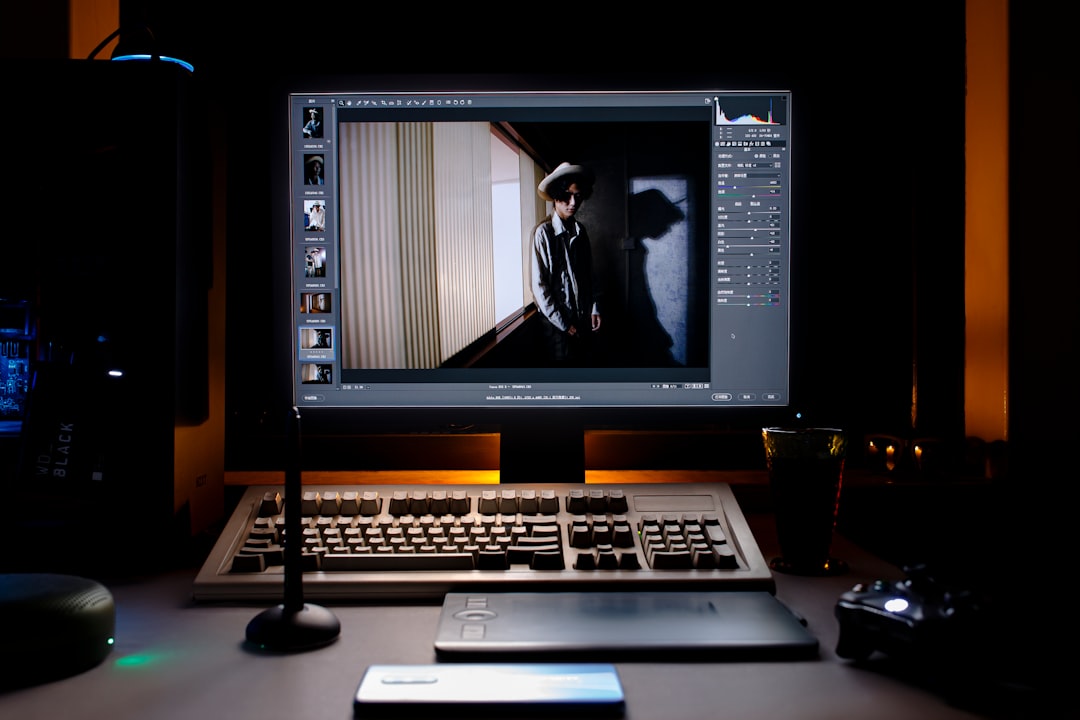
Adobe Photoshop remains one of the most powerful choices for serious creative editing. Its AI tools, especially Generative Fill and Generative Expand, allow users to add, remove, or extend parts of an image with impressive realism. You can select an area, type a prompt such as “misty forest in the background” or “golden studio lighting”, and Photoshop generates multiple options.
What makes Photoshop especially strong is that AI tools are integrated into a full professional editing environment. You can combine generative edits with layers, masks, blend modes, adjustment layers, color grading, compositing, typography, and advanced retouching. This makes it ideal for photographers, designers, digital artists, advertising teams, and content creators who need polished results.
Best features:
- Generative Fill for adding and replacing image elements
- Generative Expand for extending backgrounds and changing compositions
- Subject, sky, object, and background selection tools
- Neural Filters for portraits, colorization, and style effects
- Layer-based workflow for maximum control
Best for: Professionals and advanced creators who want the most control over complex visual edits.
2. Adobe Lightroom: Best for AI Color Editing and Photo Enhancement
While Photoshop is built for deep image manipulation, Adobe Lightroom is better suited for photographers who want to enhance large batches of photos quickly and beautifully. Its AI masking tools can detect skies, subjects, backgrounds, facial features, clothing, hair, and objects. This makes selective editing much faster than manual brushing.
Lightroom is excellent for creative color work. You can use AI masks to brighten a subject, darken a background, enhance a sunset, or apply cinematic tones without affecting the entire image. For portrait photographers, wedding photographers, travel creators, and social media professionals, this can dramatically speed up workflow.
Best features:
- AI subject, sky, and background masking
- AI-powered lens blur for depth effects
- Adaptive presets for portraits, skies, and scenes
- Excellent color grading and tone controls
- Batch editing for large photo collections
Best for: Photographers who want powerful AI-assisted enhancement without heavy compositing.
3. Luminar Neo: Best for Dramatic Creative Looks
Luminar Neo is one of the most approachable AI editors for creators who want dramatic transformations without learning a complicated interface. It is especially popular for landscape, travel, portrait, and social media imagery because its tools are visual, fast, and highly stylized.
Its AI sky replacement, relighting, portrait enhancement, atmosphere effects, and structure tools are designed for strong visual impact. You can turn a dull landscape into a glowing sunset scene, add fog, enhance facial lighting, or create a fantasy-style portrait with only a few sliders.
Luminar Neo is not as flexible as Photoshop for detailed compositing, but it is much easier for beginners and intermediate users. If your goal is to create beautiful, dramatic, scroll-stopping images, it offers one of the most enjoyable AI editing experiences.
Best features:
- AI sky replacement and sky enhancement
- Relight AI for foreground and background lighting
- Portrait retouching and face enhancement
- Atmosphere effects such as fog, haze, and glow
- Creative presets and mood-based looks
Best for: Creators who want cinematic, colorful, or fantasy-inspired edits quickly.
4. Canva: Best for Quick Creative Content
Canva is not a traditional photo editor, but it has become a major AI-powered creative platform. It is particularly useful for social media graphics, thumbnails, presentations, posters, ads, and marketing visuals. Its AI photo tools include background removal, magic eraser, image expansion, text-to-image generation, and prompt-based design assistance.
The biggest advantage of Canva is speed. You can edit a photo, remove the background, add text, apply brand colors, generate supporting graphics, and export a finished design from one place. It is less precise than Photoshop, but for quick creative production, it is extremely practical.
Best features:
- AI background remover
- Magic Eraser for object removal
- Magic Edit for prompt-based changes
- AI image generation
- Templates for social media, ads, and presentations
Best for: Social media creators, small businesses, content marketers, and non-designers.
5. Picsart: Best for Mobile Creative Editing
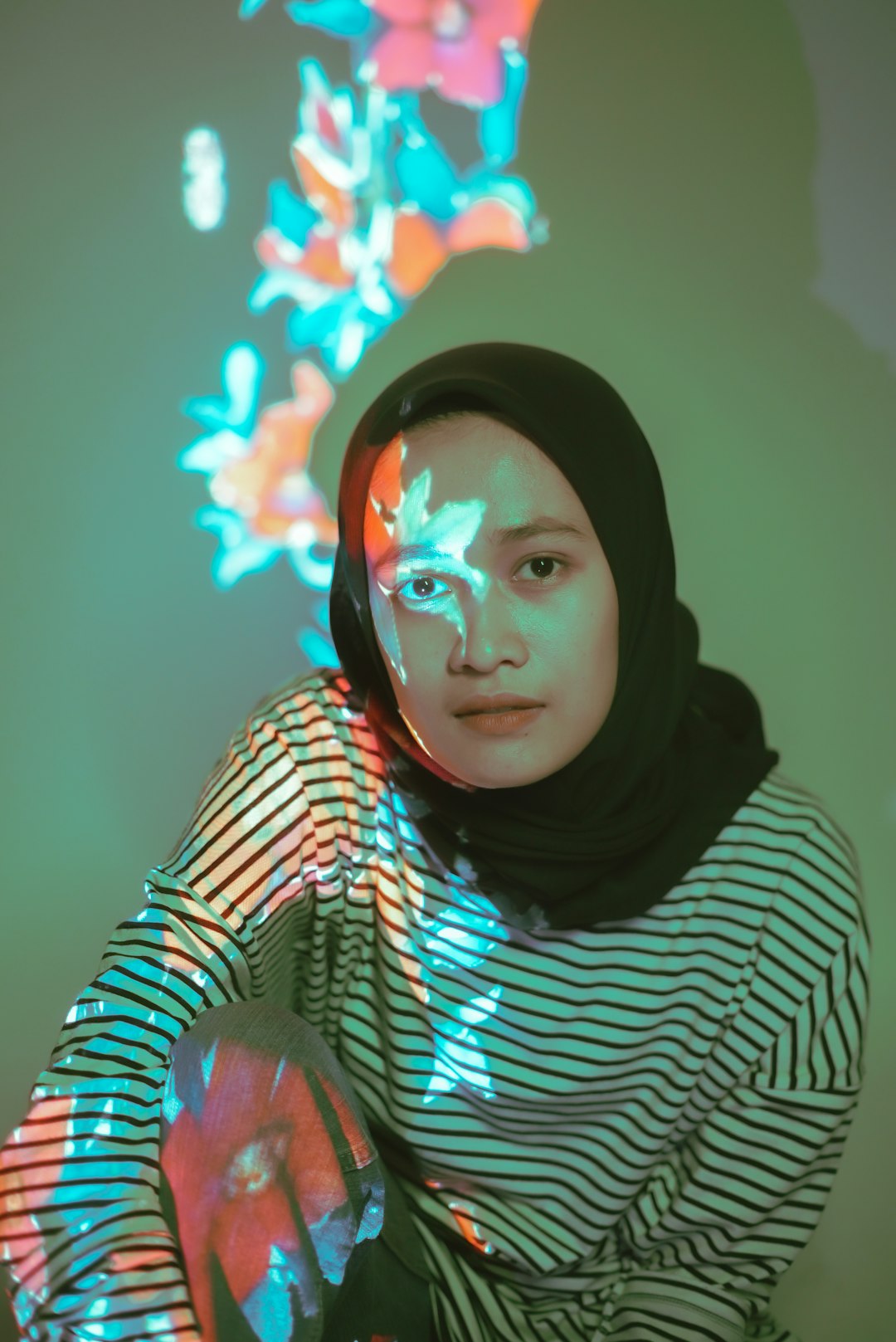
Picsart is one of the strongest AI editors for mobile-first creators. It combines photo editing, generative AI, stickers, filters, background tools, collage features, and social-friendly effects. If your creative workflow happens mostly on a phone, Picsart is a strong option.
Its AI tools are designed for fun, fast experimentation. You can generate avatars, remove objects, change backgrounds, apply artistic filters, enhance selfies, and create bold visual content for TikTok, Instagram, YouTube Shorts, or personal projects.
Best features:
- AI background removal and replacement
- AI image generator and avatar tools
- Object removal and retouching
- Trendy filters, stickers, and overlays
- Easy mobile editing workflow
Best for: Mobile creators who want playful, fast, highly shareable edits.
6. Pixlr: Best Browser-Based AI Editing
Pixlr is a convenient AI photo editor for users who want browser-based editing without installing heavy software. It offers background removal, generative fill, object removal, filters, templates, and layer-based editing in a lightweight interface.
Pixlr is especially useful for quick edits on shared computers, school projects, marketing content, and casual creative work. While it may not match Photoshop for high-end compositing, it offers an impressive mix of AI features and accessibility.
Best features:
- Browser-based editing with no major installation
- AI background removal
- Generative fill and object removal tools
- Layer support for creative compositions
- Templates for social and promotional content
Best for: Users who want quick AI editing directly in a web browser.
7. Fotor: Best for Simple AI Enhancements
Fotor is a user-friendly AI photo editor that focuses on simplicity. It includes one-click enhancement, background removal, object removal, portrait retouching, AI art generation, and image upscaling. It is not the most advanced platform, but it is very easy to use.
Fotor works well for people who want attractive results without a steep learning curve. For profile photos, product images, blog graphics, and casual creative edits, it provides enough AI functionality to be useful without overwhelming the user.
Best features:
- One-click AI photo enhancement
- AI portrait retouching
- Background remover and object remover
- AI image generator
- Upscaling for low-resolution images
Best for: Beginners who want simple, polished edits quickly.
8. ON1 Photo RAW: Best for Photographers Who Want an Adobe Alternative
ON1 Photo RAW is a capable AI-powered editor aimed at photographers who want advanced editing without relying entirely on Adobe products. It includes AI masking, noise reduction, portrait retouching, sky replacement, effects, raw processing, and photo organization.
One of its strengths is combining raw editing with creative effects in a single application. Photographers can organize, process, retouch, and stylize images without switching between multiple programs. Its AI masking also allows detailed local adjustments, which is valuable for landscape and portrait work.
Best features:
- AI masking for subjects and regions
- AI noise reduction and sharpening
- Portrait retouching tools
- Sky replacement and creative effects
- Raw photo processing and image management
Best for: Photographers looking for a full-featured editing suite with strong AI tools.
9. Topaz Photo AI: Best for Sharpening, Upscaling, and Restoration
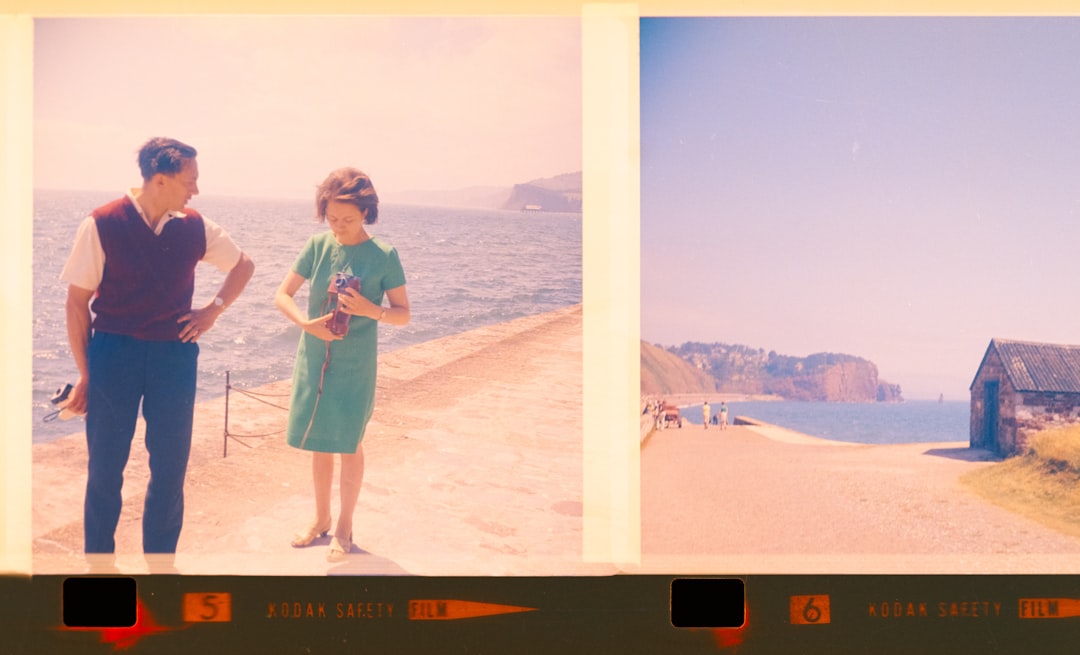
Topaz Photo AI is less about wild creative compositing and more about improving image quality. It uses AI to sharpen blurry photos, reduce noise, upscale images, and recover detail. For creative editors, this is extremely useful when working with older photos, low-resolution images, cropped compositions, or images generated by AI tools.
Topaz Photo AI is often used alongside other editors. For example, a creator might design a composition in Photoshop, then use Topaz to sharpen and upscale the final image. It is also useful for photographers who shoot in difficult lighting and need cleaner, sharper files.
Best features:
- AI sharpening for soft or blurry images
- Noise reduction for low-light photos
- Image upscaling with detail recovery
- Face recovery for portraits
- Excellent companion tool for professional workflows
Best for: Restoring, enlarging, and improving image quality.
Which AI Photo Editor Should You Choose?
The best choice depends on your creative goals. If you want maximum professional control, Photoshop is still the strongest option. If you mainly edit photography and want beautiful tones, fast masking, and batch processing, Lightroom is ideal. If you want dramatic transformations with minimal effort, Luminar Neo is one of the most enjoyable tools available.
For social media and marketing content, Canva is fast and practical. For mobile creativity, Picsart is hard to beat. For browser-based convenience, Pixlr is flexible. For beginners, Fotor keeps things simple. For photographers seeking an alternative professional workflow, ON1 Photo RAW is worth considering. And for sharpening, upscaling, and restoration, Topaz Photo AI is one of the best specialized tools.
Final Thoughts
AI photo editors are not replacing creativity; they are changing how quickly creative ideas can be tested. The best tools remove technical barriers, allowing users to focus more on mood, story, composition, and visual style. Whether you are building surreal artwork, retouching portraits, designing social posts, restoring old images, or enhancing professional photography, there is now an AI editor suited to your workflow.
For most creators, the best approach may be to combine tools: use Lightroom for photo enhancement, Photoshop for detailed generative editing, Topaz Photo AI for quality improvement, and a platform like Canva or Picsart for fast publishing. The real advantage of AI editing is not just automation; it is the freedom to experiment more boldly and finish creative work faster.