Top Notch Clothing Logo Design Tools Every Entrepreneur Should Try
8 min read
For a clothing entrepreneur, a logo is more than a decorative mark. It appears on neck labels, hang tags, packaging, embroidery, storefronts, social media profiles, invoices, and sometimes directly on the garment itself. A strong clothing logo must be memorable, scalable, legally sensible, and flexible enough to work across fabric, print, digital advertising, and retail presentation.
TLDR: The best clothing logo design tools combine creative flexibility, professional export options, and practical brand building features. Entrepreneurs who want complete control should consider tools like Adobe Illustrator, Affinity Designer, or Figma, while those who need faster results may prefer Canva, Looka, Tailor Brands, Placeit, or Hatchful. For fashion brands, the right choice depends on whether the logo will be used mainly for labels, ecommerce, embroidery, streetwear graphics, or premium packaging.
Why Logo Design Matters So Much in Clothing
In the apparel industry, customers often make decisions based on visual identity before they ever touch the product. A clean symbol, refined wordmark, or distinctive monogram can communicate whether a brand feels luxury, athletic, minimalist, sustainable, youthful, or heritage inspired. This is why entrepreneurs should treat logo design as a strategic business decision, not a quick graphic task.
A suitable clothing logo should work in several situations: small woven labels, large hoodie prints, social media profile icons, embroidered caps, swing tags, and online storefront headers. It should remain readable in black and white, look balanced at different sizes, and align with the price point of the garments. The following tools can help entrepreneurs create logos with different levels of speed, control, and professional polish.
1. Adobe Illustrator
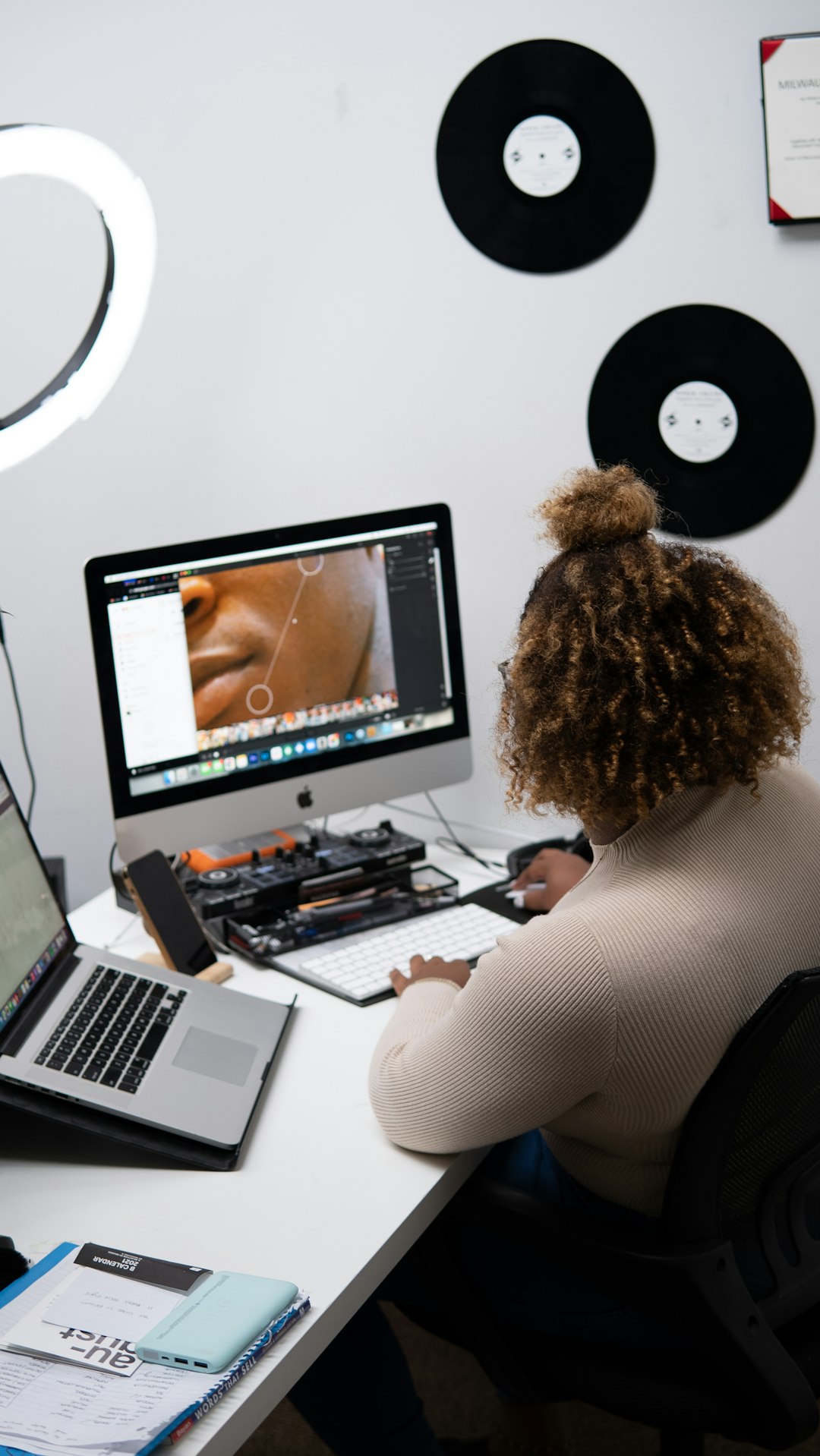
Adobe Illustrator remains one of the most respected tools for professional logo design. It is vector based, which means a logo can be scaled from a tiny neck label to a full storefront sign without losing quality. For apparel brands, this is essential because the same logo may need to be printed, embroidered, engraved, or converted into production ready artwork.
Illustrator is especially useful for entrepreneurs who want a logo with custom typography, refined line work, monograms, badges, or detailed brand marks. It offers strong control over paths, shapes, spacing, color systems, and file exports. Designers can create AI, EPS, PDF, SVG, and high resolution image files, which are commonly requested by printers and manufacturers.
Best for: Serious entrepreneurs who want a professional, scalable logo and are willing to invest time or hire a designer.
2. Affinity Designer
Affinity Designer is a strong alternative for entrepreneurs who want professional vector design capabilities without committing to a recurring subscription. It supports precise vector editing, typography control, color management, and export options suitable for print and digital use.
For clothing startups operating with cost discipline, Affinity Designer offers excellent value. It is capable enough for creating minimalist fashion wordmarks, streetwear symbols, athletic brand icons, and packaging graphics. The interface is polished, and although it still requires design knowledge, many users find it approachable compared with more complex professional software.
Best for: Founders who want serious design control at a lower long term cost.
3. Canva
Canva is one of the most accessible tools for non designers. It provides templates, fonts, icons, color palettes, and drag and drop editing. For clothing entrepreneurs who need to create a quick identity before launching a small collection, Canva can be a practical starting point.
The main advantage of Canva is speed. A founder can test several visual directions, prepare social media graphics, build a simple brand kit, and design packaging inserts in one place. However, entrepreneurs should be careful with templates. A clothing logo must feel distinctive, and heavily used templates can make a brand look generic. It is wise to customize typography, spacing, color, and icon choices rather than relying on a ready made layout unchanged.
Best for: Early stage clothing brands, small boutiques, online sellers, and entrepreneurs who need fast marketing assets alongside a logo.
4. Figma
Figma is widely known for interface design, but it is also useful for branding exploration. Entrepreneurs can use it to create logo concepts, mood boards, typography systems, color palettes, and brand presentation boards. Its collaborative features make it particularly valuable when multiple founders, designers, or marketing partners need to review concepts together.
Figma is not a traditional print production tool in the same way Illustrator is, but it handles vector shapes well and is excellent for organizing visual systems. A clothing entrepreneur can use Figma to compare logo variations across website headers, mobile storefronts, Instagram layouts, digital ads, and lookbook pages. This makes it helpful for brands that sell primarily online.
Best for: Digital first apparel brands and teams that need collaborative brand development.
5. Looka
Looka is an AI assisted logo maker designed to help business owners generate brand concepts quickly. Users enter information about their company, select style preferences, and receive logo options that can be customized. For entrepreneurs without graphic design experience, this can be a useful way to explore possible directions before committing to a final identity.
Looka can be especially helpful for simple clothing brands that need a polished wordmark, icon, or basic visual system. Its brand kit features may also help with social media graphics and business documents. Still, entrepreneurs should review every generated logo carefully. A fashion brand should avoid looking too similar to competitors, and it is important to ensure the final mark is distinctive enough for long term use.
Best for: Entrepreneurs who want AI guided logo ideas and a relatively quick branding package.
6. Tailor Brands
Tailor Brands is another platform aimed at entrepreneurs who need branding support without hiring a full design agency. It uses guided inputs to generate logo options and provides additional business branding tools. For fashion startups, this can be useful when the founder needs more than a logo, including social assets and basic branded materials.
The platform is most appropriate for simple, clean fashion identities rather than highly customized luxury marks or complex streetwear graphics. It can help a founder move from idea to visual identity quickly, but the final logo should still be evaluated for production quality. Before using it on woven labels, embroidery, or packaging, confirm that the available file formats are suitable for your suppliers.
Best for: Small apparel businesses seeking convenient logo creation and basic brand management tools.
7. Placeit
Placeit is useful not only for creating logos but also for previewing them on apparel mockups. This is a significant advantage for clothing entrepreneurs. A logo may look strong on a white screen but weak on a black hoodie, cap, tote bag, or oversized T shirt. Seeing the mark in context helps founders make better decisions.
Placeit offers logo templates and a large mockup library. Entrepreneurs can test how a logo appears on different garments before ordering samples or production runs. This makes it particularly useful for streetwear labels, merch brands, fitness apparel companies, and creators launching print on demand products.
Best for: Apparel entrepreneurs who want to evaluate logos directly on clothing mockups.
8. Hatchful by Shopify
Hatchful is a simple logo maker from Shopify that can help entrepreneurs create a basic logo quickly. It is particularly relevant for founders planning to sell through an ecommerce store. The tool is easy to use, requires little design experience, and can produce straightforward logo concepts for small brands.
Hatchful is not the most advanced option for custom identity design, but it can be helpful when testing a business idea, building a temporary visual identity, or preparing an early online store. If the clothing brand gains traction, the founder may later refine the logo with a professional designer or vector based software.
Best for: New ecommerce clothing businesses that need a quick and simple starting point.
9. Kittl
Kittl is a strong tool for entrepreneurs interested in vintage graphics, bold typography, badge logos, retro sportswear, streetwear layouts, and print ready decorative designs. It offers templates and design effects that can help apparel brands create logos and graphic elements with a distinctive character.
For clothing brands that rely on visual storytelling, such as heritage workwear, outdoor apparel, surf inspired brands, or limited edition streetwear, Kittl can be very effective. Its typography and illustration features make it easier to create marks that feel more crafted than basic logo maker outputs.
Best for: Streetwear, vintage inspired apparel, merch brands, and graphic heavy fashion labels.

10. CorelDRAW
CorelDRAW has long been used in print, signage, and production environments. Many apparel decorators, screen printers, and embroidery shops are familiar with it. This makes it a practical choice for entrepreneurs who expect to work closely with production vendors and need clean vector artwork.
CorelDRAW is well suited for logos that must be converted into print separations, vinyl cuts, embroidery files, or large format signage. It gives users strong control over vector shapes and typography, and it is particularly respected in certain manufacturing and decoration workflows.
Best for: Entrepreneurs working closely with print shops, embroidery suppliers, or apparel production teams.
11. Inkscape
Inkscape is a free, open source vector design tool. For entrepreneurs with limited budgets, it provides a serious way to create scalable logo files without paying for premium software. It supports SVG files and includes many essential vector editing features.
Although the interface may feel less polished than some commercial tools, Inkscape is capable of producing professional results when used carefully. It is a good option for founders willing to learn design fundamentals and invest time instead of money. For a clothing brand, the ability to create true vector artwork is much more valuable than relying only on low resolution image files.
Best for: Budget conscious founders who still need scalable logo design capabilities.
How to Choose the Right Tool
The best logo design tool depends on the seriousness of the brand, available budget, design ability, and production needs. Before choosing, entrepreneurs should consider the following factors:
- Scalability: The logo should be available in vector formats such as SVG, EPS, AI, or PDF.
- Production requirements: Embroidery, screen printing, woven labels, and heat transfers may require simplified artwork.
- Originality: Avoid overused templates and generic icons that weaken brand recognition.
- Typography: Fashion logos often depend heavily on type, spacing, and proportion.
- Color flexibility: A reliable clothing logo should work in one color, reversed color, and full color.
- Brand consistency: The tool should help maintain fonts, colors, and logo variations across channels.
Practical Recommendations for Clothing Entrepreneurs
If you are building a premium fashion label, start with Adobe Illustrator, Affinity Designer, or a professional designer who uses vector software. Luxury and high end brands require careful proportion, typography, and restraint. A weak logo can make expensive garments appear less credible.
If you are launching an online boutique or testing a small product line, Canva, Looka, Tailor Brands, or Hatchful can help you move quickly. These tools are practical for early brand development, but you should still aim for a clean, distinctive, and legally safe identity.
If your brand depends on printed graphics, streetwear aesthetics, or merchandise, consider Kittl and Placeit. They help you create and visualize designs in a garment context, which is crucial when the logo itself may become part of the product appeal.
Final Thoughts
A clothing logo must survive real world use. It should look convincing on fabric, packaging, ecommerce pages, social media, and advertising. The most effective tools are not simply the ones that generate attractive graphics; they are the ones that help entrepreneurs create usable, scalable, and consistent brand assets.
For the highest level of control, professional vector tools such as Adobe Illustrator, Affinity Designer, CorelDRAW, and Inkscape are excellent choices. For speed and convenience, platforms such as Canva, Looka, Tailor Brands, Placeit, Kittl, and Hatchful can be valuable. The smartest approach is to choose a tool that matches your current stage, then refine the logo as the clothing brand grows into a more mature and recognizable business.