How to Cancel Epoch Payment Solutions? Step by Step
5 min read
So, you’ve spotted a charge from Epoch Payment Solutions and now you’re wondering how to cancel it. Don’t worry. You’re not alone. Many people sign up for online memberships and later decide they no longer need them. The good news? Cancelling Epoch Payment Solutions is usually simple if you follow the right steps.
TLDR: Epoch Payment Solutions is a payment processor used by many online subscription services. To cancel, you need to identify the website connected to the charge, log into your account there, or use Epoch’s customer support page. Most cancellations can be done online within minutes. Always ask for confirmation and keep proof of cancellation.
Let’s break it down step by step. Nice and easy.
First: What Is Epoch Payment Solutions?
Before you cancel anything, it helps to understand what you’re dealing with.
Epoch Payment Solutions is not usually a subscription service by itself. It’s a payment processor. That means it handles payments for other websites. Often membership sites. Streaming services. Online dating platforms. Digital content platforms.
So when you see “Epoch” on your bank statement, it usually means:
- You subscribed to a website.
- That website uses Epoch to process payments.
- Epoch appears on your statement instead of the site’s name.
Now you know.
Step 1: Locate the Exact Charge
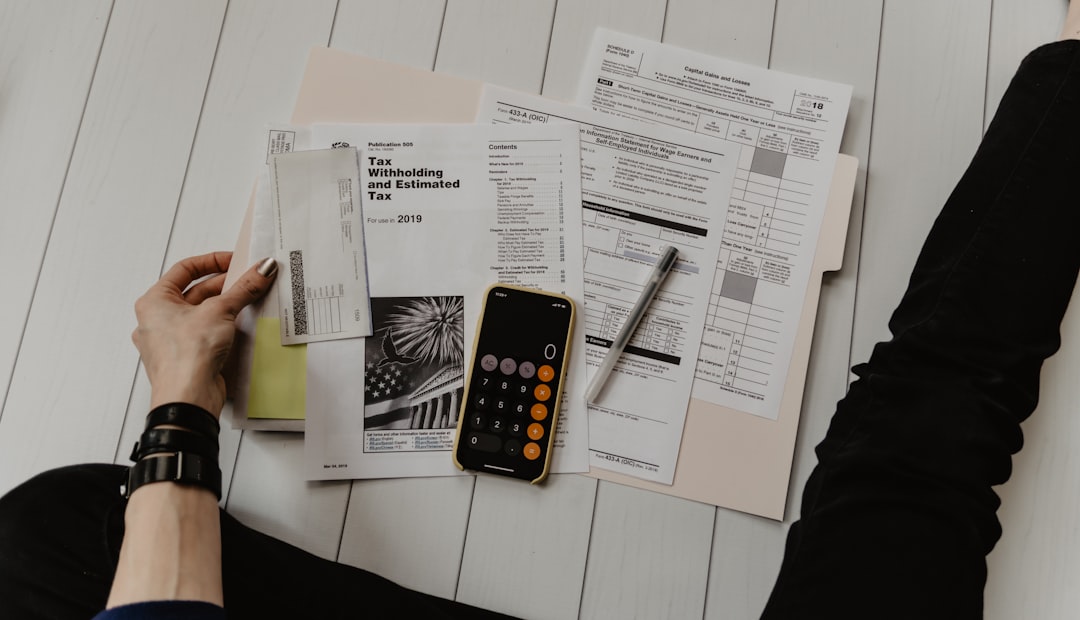
Start with your bank or credit card statement.
Look for:
- The full transaction name
- The date of the charge
- The amount charged
- Any reference or transaction ID
This information is important. You’ll need it if you contact support.
Sometimes the charge may look like:
- Epoch.com
- Epoch Payment
- EP*WebsiteName
- Epoch + numbers
Write it down. Take a screenshot if needed.
Step 2: Find the Website Behind the Charge
This step is key.
Since Epoch is just the processor, you need to identify which website subscription you actually signed up for.
Ask yourself:
- Did I recently join a membership site?
- Did I enter my card details for a free trial?
- Did I purchase any digital content?
If you’re unsure, visit Epoch’s support page and use their “Lookup My Purchase” tool (if available in your region). You’ll typically need:
- Your email address
- Last 4 digits of your card
- Transaction ID
This usually reveals the connected website.
Step 3: Try Cancelling Directly on the Website
Once you’ve identified the site, this is usually the fastest method.
Here’s what to do:
- Log into your account on that website.
- Go to Account Settings.
- Look for Billing or Subscriptions.
- Click Cancel Membership or Turn Off Auto-Renew.
Simple. Most cancellations take less than five minutes.
If you don’t see a cancel button, check:
- FAQs
- Terms and Conditions
- Help Center
Some sites hide it. Sneaky, but common.
Step 4: Cancel Through Epoch Directly
If you can’t log in, forgot your password, or the website is gone, don’t panic.
You can cancel through Epoch’s customer service.
Here’s how:
- Go to Epoch’s official support page.
- Select Customer Support.
- Enter your transaction details.
- Request cancellation.
You may also have these options:
- Live chat
- Email support
- Phone support

Tip: Live chat is often the fastest.
Be polite. Give clear information. State that you want:
- Immediate cancellation
- Auto-renewal turned off
- Email confirmation
Step 5: Ask for Confirmation
This step is very important.
After cancelling, always request:
- A confirmation email
- A cancellation reference number
Save it.
Keep screenshots. Store emails in a safe folder.
If a charge appears later, you’ll have proof.
What If You Want a Refund?
Refunds depend on the website’s policy.
Many subscription services:
- Do not refund partial months
- Require cancellation before renewal
- Offer refunds within 24–72 hours of charge
You can request a refund through:
- The website directly
- Epoch support
- Your bank (as a last resort)
Important: Contacting your bank immediately for a chargeback should be your final option. Merchants may block your account permanently.
What If You Forgot Your Login Details?
It happens to everyone.
Try this:
- Use the “Forgot Password” feature
- Search your email inbox for welcome emails
- Search for “Epoch” or the website name
No luck?
Contact Epoch support with your transaction details. They can usually locate your membership.
Common Problems and Quick Fixes
Here are frequent issues people run into:
Problem 1: The Website No Longer Exists
Solution: Cancel through Epoch directly.
Problem 2: You Keep Getting Charged
Solution:
- Double-check cancellation confirmation
- Contact support again
- Escalate with your bank if necessary
Problem 3: You Don’t Recognize the Website
Solution:
- Verify family members did not subscribe
- Check shared cards
- Contact Epoch fraud department if suspicious
How Long Does Cancellation Take?
Usually:
- Online cancellation: Immediate
- Live chat: 5–15 minutes
- Email support: 24–48 hours
Always cancel at least 48 hours before renewal.
Many subscriptions automatically renew monthly or yearly.
How to Prevent Future Surprise Charges
Let’s avoid this next time.
Here are smart habits:
- Set calendar reminders for free trial endings
- Use a separate card for subscriptions
- Regularly check your bank statements
- Keep subscription confirmation emails
You can also:
- Use banking apps that send instant payment notifications
- Turn off auto-renew immediately after subscribing
Yes, you can subscribe and immediately cancel auto-renew. You still keep access until the paid period ends.
Is Cancelling Epoch the Same as Cancelling Your Card?
No.
Canceling your card does not always stop subscription charges.
Some merchants use automatic billing updater services. That means they can receive your new card details from your bank.
Scary, but true.
The correct method is always to cancel the subscription properly.
When Should You Contact Your Bank?
Only if:
- You suspect fraud
- The company refuses cancellation
- You were charged after confirmed cancellation
Tell your bank:
- The transaction date
- The amount
- Steps you took to cancel
Provide proof.
This speeds things up.
Quick Checklist: Cancel Epoch Payment Solutions
Here’s your cheat sheet:
- ✔ Check your bank statement
- ✔ Identify the connected website
- ✔ Log in and cancel subscription
- ✔ Contact Epoch if needed
- ✔ Request confirmation email
- ✔ Save documentation
Follow this list and you’re covered.
Final Thoughts
Cancelling Epoch Payment Solutions is not scary. It just sounds technical.
Remember:
Epoch is the middleman.
You are usually cancelling a subscription from another website.
Stay calm. Gather your information. Move step by step.
Most people resolve this in under 15 minutes.
And once it’s done?
Relax. No more surprise charges.
You’ve got this.