AI Video Generators for YouTube: Best Tools for Long-Form Content
8 min read
Making long YouTube videos used to feel like building a spaceship in your garage. You needed scripts, cameras, lights, editing skills, music, thumbnails, and a lot of coffee. Now, AI video generators can help with huge parts of the process. They do not replace your ideas. They help you turn those ideas into watchable videos faster.
TLDR: AI video generators can help you create long-form YouTube videos with scripts, voiceovers, visuals, captions, and editing. The best tools depend on your video style, such as talking-head videos, faceless documentaries, tutorials, or explainers. For long-form content, look for tools with strong editing features, realistic voices, stock media, brand controls, and easy exporting. Use AI as your production helper, not as your whole personality.
Why AI Video Generators Matter for Long-Form YouTube
Long-form YouTube is not dead. Not even close. People still watch 20-minute tutorials. They watch 45-minute essays. They watch full reviews, history videos, podcasts, and deep dives.
But long videos are hard to make.
You need structure. You need pacing. You need visuals. You need audio that does not sound like a robot trapped in a toaster. You also need to keep viewers interested for more than five seconds. That is the tricky part.
This is where AI video tools become useful. They can help you move faster. They can turn a script into a video. They can create captions. They can clean audio. Some can even create AI avatars that present your content.
Think of them like a tiny production team living inside your laptop. A very fast team. A team that does not ask for pizza breaks.

What Makes a Good AI Video Generator for Long Videos?
Not every AI video tool is good for long-form content. Some are built for short ads. Some are made for TikTok clips. Some fall apart when your video gets longer than two minutes.
For YouTube long-form videos, you need more power.
- Long video support: The tool should handle 10, 20, or even 60-minute projects.
- Good voiceovers: Voices should sound natural. Not scary. Not sleepy.
- Strong editing tools: You need to cut, move, trim, and fix things easily.
- Captions: Captions help viewers follow along. They also improve watch time.
- Stock media: Built-in videos, images, and music save time.
- Script tools: Some platforms help write or improve scripts.
- Brand controls: Fonts, colors, logos, and templates matter.
- Export quality: For YouTube, export in HD or 4K when possible.
The best tool is not always the fanciest one. It is the one that fits your workflow. If it saves time and keeps your videos looking good, it wins.
1. Pictory: Great for Faceless YouTube Videos
Pictory is popular with creators who make faceless videos. These are videos where the creator does not appear on camera. Think list videos, educational explainers, news summaries, and documentary-style content.
You can paste in a script or article. Pictory then finds visuals, adds captions, and creates scenes. It is simple. It is friendly. It is a good choice if you want to turn written content into video.
Best for: faceless channels, explainers, list videos, educational content, and blog-to-video projects.
Why it is useful: It saves time on finding stock footage. It also makes it easy to create videos with subtitles and voiceover.
Fun tip: Do not accept every stock clip it chooses. AI may pick a random smiling businessman for a video about volcanoes. Always check the footage.
2. Synthesia: Best for AI Avatar Presenters
Synthesia is one of the biggest names in AI avatar video. You type a script. Then an AI presenter reads it on screen. It feels like a virtual host is presenting your video.
This can work well for tutorials, training videos, business explainers, and educational channels. It is also useful if you do not want to show your face on camera.
Best for: training videos, software explainers, lesson-style content, and professional presentations.
Why it is useful: It gives your video a human-like presenter without filming. That is great if you do not have a camera setup.
Still, be careful. For long YouTube videos, an avatar talking for 30 minutes can feel stiff. Add slides, screen recordings, B-roll, and graphics. Make the video move.
3. InVideo AI: Great for Fast YouTube Drafts
InVideo AI is built for speed. You can give it a prompt, and it can create a video draft with scenes, voiceover, subtitles, and music. This is helpful when you want a quick first version.
It is useful for creators who need regular uploads. If you run a channel with weekly videos, speed matters. InVideo AI can help you avoid the blank screen of doom.
Best for: YouTube explainers, marketing videos, information videos, and quick drafts.
Why it is useful: It can turn a simple idea into a full video structure. Then you can edit and improve it.
Use it like a smart assistant. Let it build the rough cut. Then bring your taste, jokes, and human brain.
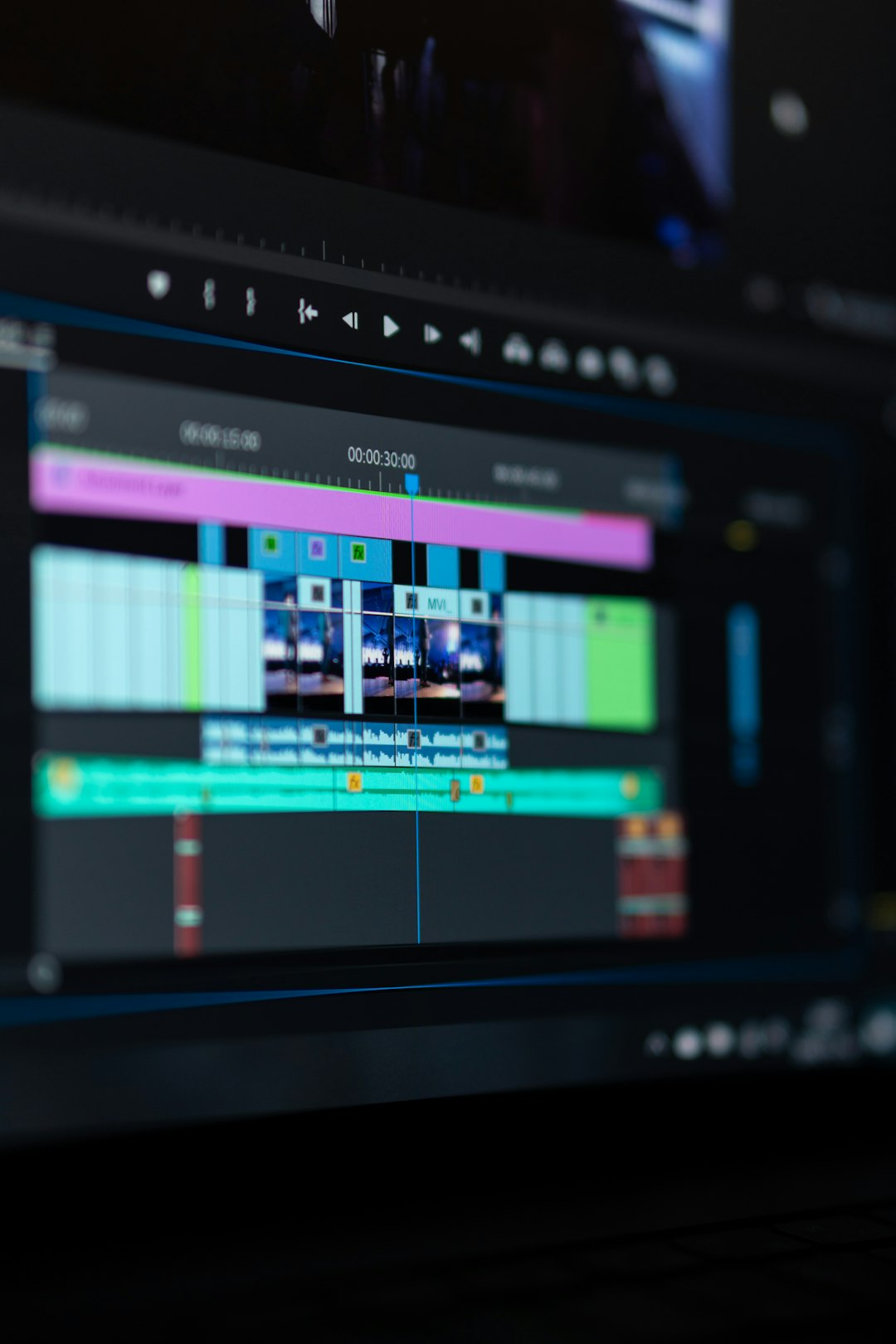
4. Descript: Best for Editing Long Videos with Text
Descript is not just an AI video generator. It is also a smart editor. It turns your video or audio into text. Then you can edit the video by editing the words.
This feels like magic the first time you use it. Delete a sentence from the transcript, and it disappears from the video. It is great for podcasts, interviews, tutorials, and talking-head content.
Best for: podcasts, interviews, commentary videos, tutorials, and long talking videos.
Why it is useful: Long videos often need lots of cutting. Descript makes that easier. You can remove filler words, tighten sections, add captions, and clean audio.
It also has AI voice features. But use them carefully. Your audience wants trust. Do not fake things in a way that feels sneaky.
5. Runway: Best for Creative AI Video Generation
Runway is a more creative tool. It can generate video clips from text or images. It can remove backgrounds. It can help with visual effects. It is fun to play with.
For long-form YouTube, Runway is best as a visual tool. You may not use it to make the whole video. Instead, use it to create special scenes, transitions, or cinematic shots.
Best for: creative channels, storytelling, music videos, experimental content, and cinematic visuals.
Why it is useful: It can create unique visuals that stock footage cannot. That helps your videos stand out.
If you make history videos, science fiction explainers, or story-based essays, Runway can add flavor. Like hot sauce. But do not pour the whole bottle on everything.
6. VEED: Good All-Around Tool for YouTubers
VEED is a flexible platform with AI features. It can create captions, clean audio, translate videos, add voiceovers, and edit clips. It is simple enough for beginners.
For long-form YouTube, VEED works well if you need a clean online editor. You can upload footage, add subtitles, use templates, and export for YouTube.
Best for: creators who want captions, basic editing, translations, and easy online tools.
Why it is useful: It puts many helpful features in one place. That saves you from jumping between five different apps.
7. HeyGen: Strong for Avatar and Multilingual Videos
HeyGen is another strong AI avatar tool. It is often used for business, education, and social content. One of its standout features is multilingual video creation.
If your YouTube channel targets global viewers, this can be powerful. You can create versions of your content in different languages. That can help you reach more people.
Best for: avatar videos, educational content, business explainers, and translated videos.
Why it is useful: It makes it easier to create presenter-style videos without filming. It can also help with language versions.
For long videos, mix avatar scenes with visuals. Do not make viewers stare at one face forever. Even a very nice AI face gets boring after a while.
Best Tool by YouTube Video Type
Still not sure what to pick? Here is the simple version.
- Faceless documentary videos: Try Pictory or InVideo AI.
- Tutorials and courses: Try Synthesia, HeyGen, or Descript.
- Podcasts and interviews: Try Descript.
- Creative storytelling: Try Runway with another editor.
- Caption-heavy videos: Try VEED or Descript.
- Multilingual channels: Try HeyGen or Synthesia.
The secret is this: you do not need one tool to do everything. Many creators use two or three tools. One for scripts. One for voice. One for editing. One for visuals.
Yes, that sounds like a lot. But it is still easier than editing until 3 a.m. while questioning your life choices.
How to Make Long AI Videos That People Actually Watch
AI can make a video. But it cannot force people to enjoy it. That part needs strategy.
Start with a strong hook. Tell viewers why they should care. Do it fast. No long warm-up. No “before we begin” that lasts three minutes.
Use chapters. Long videos need clear sections. Viewers like knowing where they are going.
Change the visuals often. Use B-roll, screen recordings, graphics, images, text, and zooms. The viewer’s brain likes movement.
Write like you talk. Simple words win. Short sentences win. Clear ideas win.
Add your own opinions. This matters a lot. If your video sounds like every other AI-made video, people will leave. Your view is the special sauce.

Common Mistakes to Avoid
- Using raw AI output: Always edit it. Always.
- Choosing boring voices: A flat voice can kill a great topic.
- Overusing stock footage: Too much generic footage feels cheap.
- Ignoring pacing: Long does not mean slow.
- Skipping fact checks: AI can be wrong with great confidence.
- Making the video too polished but empty: Pretty videos still need useful ideas.
Also, check YouTube’s rules. If you use AI voices, avatars, or synthetic media, be honest when needed. Trust is very important. Once you lose it, it is hard to win back.
A Simple AI Workflow for Long-Form YouTube
Here is an easy workflow you can follow.
- Pick one topic: Make it clear and specific.
- Create an outline: Break the video into sections.
- Write the script: Use AI for help, but add your voice.
- Create voiceover: Record yourself or use a strong AI voice.
- Build visuals: Use stock footage, AI clips, slides, or screen recordings.
- Edit for pacing: Cut boring parts. Be brave.
- Add captions: Many viewers watch with low volume.
- Export in high quality: Use HD or 4K if possible.
- Check everything: Facts, audio, spelling, and timing.
This workflow keeps things simple. It also reduces chaos. Chaos is fun at parties. Not in video editing.
So, Which AI Video Generator Is Best?
There is no single winner for everyone. Sorry. That would be too easy.
If you want faceless long-form videos, Pictory and InVideo AI are great places to start. If you want avatar presenters, look at Synthesia or HeyGen. If you edit podcasts, interviews, or talking-head videos, Descript is a strong choice. If you want wild creative visuals, add Runway to your toolbox. If you want simple editing and captions, VEED is very friendly.
The best tool is the one that helps you publish more good videos. Not just more videos. Good videos.
Final Thoughts
AI video generators are changing YouTube production. They make long-form content easier to create. They help with scripts, visuals, voiceovers, captions, and editing. That is a big deal.
But the winner on YouTube is still the creator with the best ideas. AI can help you build the video. It can hand you bricks, paint, and a tiny robot hammer. But you still decide what the house looks like.
So use AI to move faster. Use it to test ideas. Use it to improve your workflow. Then add your humor, your taste, your stories, and your brain.
That is how you make long-form YouTube videos that feel smart, useful, and human. And maybe even fun enough that viewers forget they were “just going to watch one video.”