Network Monitoring Software For Tracking Network Activity
5 min read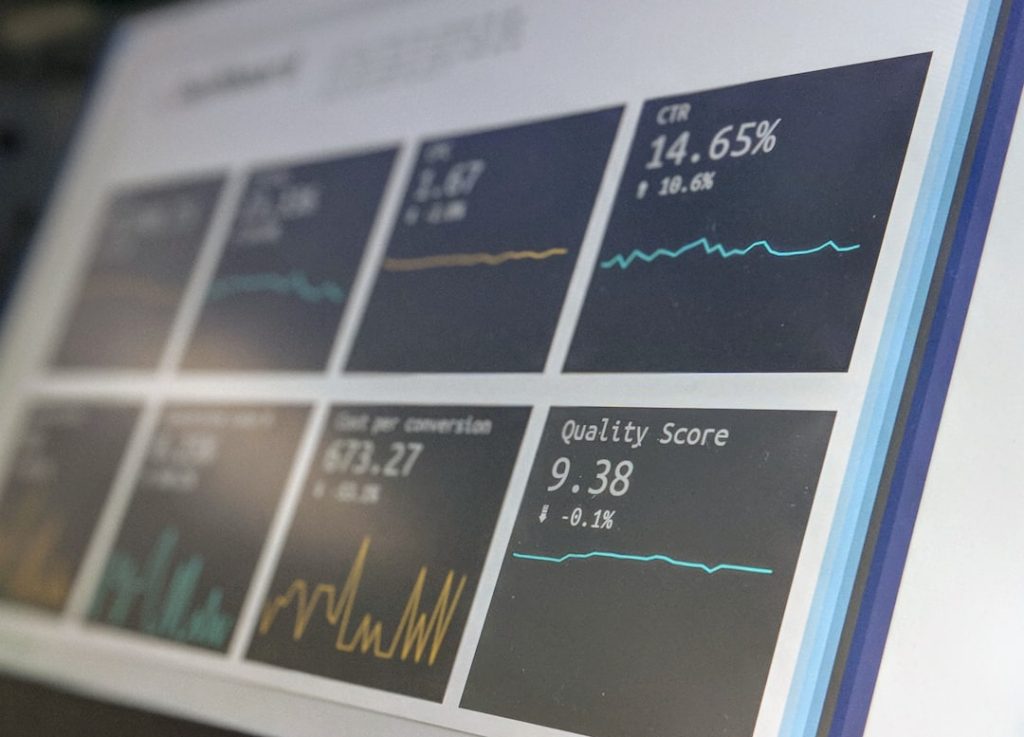
Networks are like busy highways. Data moves fast. Devices talk all day. Users click, stream, upload, and download. In the middle of all that motion, someone needs to watch the traffic. That is where network monitoring software comes in. It keeps an eye on everything. Quietly. Constantly. Smartly.
TLDR: Network monitoring software helps you see what is happening on your network in real time. It tracks devices, traffic, performance, and security issues. It alerts you when something looks wrong. This keeps your systems fast, safe, and reliable.
Let’s break it down in a simple way.
What Is Network Monitoring Software?
Network monitoring software is a tool. It watches your network. It collects data from routers, switches, servers, and other devices. Then it shows that data in a clear way.
Think of it as a security camera system. But instead of watching doors and hallways, it watches:
- Internet traffic
- Connected devices
- Bandwidth usage
- Server health
- Application performance
It does not sleep. It works 24/7.
Why Network Monitoring Matters
Imagine your company’s website goes down. Customers cannot log in. Sales stop. Panic begins.
If you have monitoring software, you will know:
- When the problem started
- What caused it
- Which device is affected
- How to fix it faster
Without monitoring, you are guessing. And guessing is expensive.
Downtime costs money. Slow systems frustrate users. Security breaches damage trust. Monitoring helps prevent all three.
How It Works
The software collects data using simple methods like:
- SNMP (Simple Network Management Protocol)
- Flow monitoring
- Packet analysis
- Log collection
It gathers statistics. It stores them. Then it turns numbers into charts and dashboards.
You see colorful graphs. Spikes. Dips. Alerts. All in one place.
This allows IT teams to:
- Spot unusual traffic
- Detect overloaded devices
- Track long term trends
- Plan upgrades
It is like having a weather forecast for your network.
Main Features You Should Know
Not all tools are the same. But good network monitoring software usually includes the following features.
1. Real Time Monitoring
This is the heart of the system. You see what is happening now. Not yesterday. Not an hour ago. Right now.
Real time data means faster decisions.
2. Alerts and Notifications
The software can send alerts when something is wrong.
- Email alerts
- SMS messages
- Push notifications
If a server crashes at 2 AM, you will know immediately.
3. Bandwidth Tracking
Bandwidth is like road space. If one app uses too much, others slow down.
Monitoring shows:
- Top bandwidth users
- Heavy applications
- Unusual spikes
This helps you control traffic.
4. Device Discovery
Good software can automatically detect devices on your network.
It builds a map. This makes management easier.

5. Reporting
Reports turn raw data into useful insights.
You can generate reports for:
- Management meetings
- Security audits
- Compliance checks
- Capacity planning
This makes you look prepared. Because you are.
Tracking Network Activity in Detail
Now let’s focus on tracking network activity specifically.
This means answering big questions like:
- Who is using the network?
- What are they accessing?
- When are they most active?
- Is the traffic normal?
Monitoring tools track activity by analyzing traffic flow. They measure:
- Source and destination IP addresses
- Ports and protocols
- Packet size
- Session duration
This data tells a story.
If you see traffic going to a strange country at midnight, that is a clue. If one device suddenly sends thousands of requests per second, that is another clue.
Patterns matter.
Monitoring helps you learn what “normal” looks like. Then it highlights anything unusual.
Security Benefits
Network monitoring plays a huge role in security.
It helps detect:
- Malware infections
- Unauthorized access
- Data exfiltration attempts
- DDoS attacks
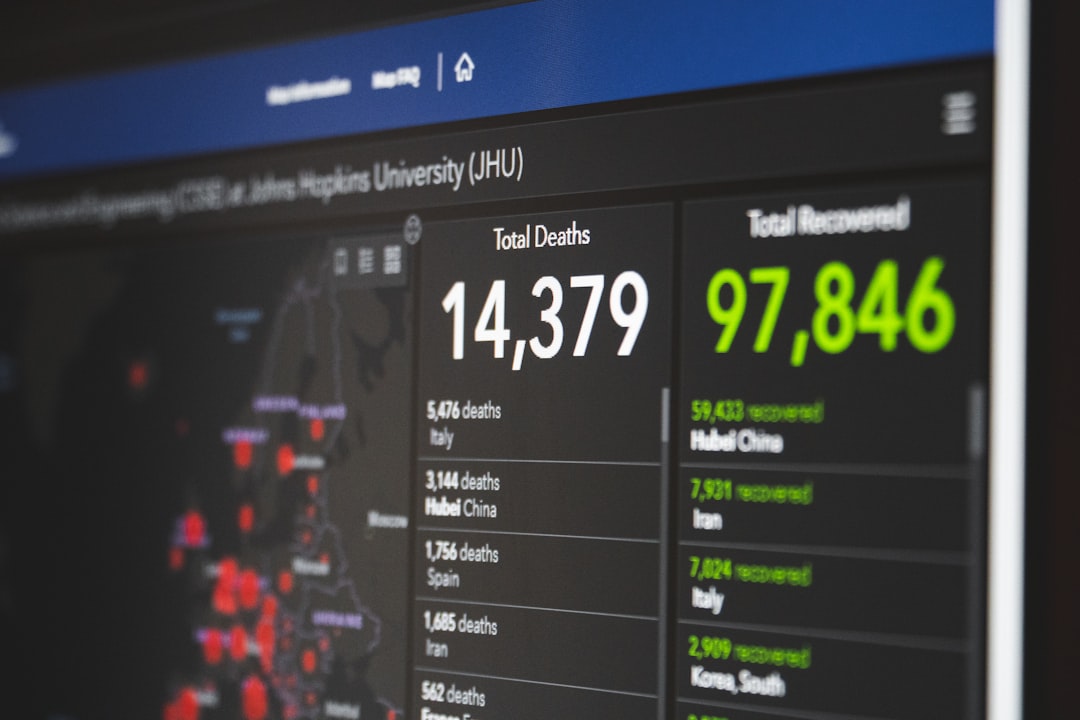
When traffic patterns change suddenly, alerts are triggered. Fast detection reduces damage.
Monitoring does not replace firewalls or antivirus tools. But it works with them. Think of it as another layer of protection.
Visibility equals control.
Performance Optimization
Tracking activity is not just about stopping threats. It is also about improving performance.
For example:
- If video conferencing always slows down at 10 AM, you may need more bandwidth.
- If one server is always overloaded, you may redistribute traffic.
- If an application consumes too many resources, you can optimize it.
Instead of reacting to complaints, you act early.
This creates a smoother user experience.
Cloud and Remote Work Monitoring
Today, networks are not only in one building.
Employees work from home. Applications run in the cloud. Devices connect from everywhere.
Modern monitoring software tracks:
- Cloud infrastructure
- Virtual machines
- Remote user connections
- VPN activity
This ensures consistent performance, even outside the office walls.
Choosing the Right Tool
There are many tools available. So how do you choose?
Look for:
- Scalability – Can it grow with your network?
- Ease of use – Is the dashboard simple?
- Customization – Can you set your own alerts?
- Integration – Does it work with your other tools?
- Support – Is help available when needed?
A small business may need a simple solution. A large enterprise may need advanced analytics and automation.
Match the tool to your needs.
Common Mistakes to Avoid
Even great software can fail if used poorly.
Avoid these common mistakes:
- Ignoring alerts
- Setting too many unnecessary notifications
- Failing to update the software
- Not reviewing reports regularly
Monitoring is not “set it and forget it.” It requires attention.
The Human Side of Monitoring
Software is powerful. But people still matter.
IT teams interpret the data. They investigate alerts. They make decisions.
Good monitoring tools make their jobs easier. They reduce stress. They provide clarity.
Instead of firefighting daily emergencies, teams can focus on improvement and innovation.
The Future of Network Monitoring
The future looks smart. Very smart.
New tools use:
- Artificial intelligence
- Machine learning
- Predictive analytics
These systems can predict failures before they happen. They learn normal behavior. They improve over time.
This means fewer surprises. More stability. Better planning.
Final Thoughts
Networks are complex. Traffic never stops. Devices keep multiplying.
Without monitoring software, managing a network is like driving blindfolded.
With it, you gain visibility. Control. Confidence.
Network monitoring software for tracking network activity is not a luxury anymore. It is a necessity.
It protects your data. It boosts performance. It reduces downtime. It supports growth.
And best of all, it turns chaos into clear, simple insight.
In a world powered by connectivity, that clarity is priceless.