Internal Knowledge Base Platforms That Help You Store And Share Knowledge
5 min read
Imagine if every smart idea in your company lived in one safe place. No more digging through emails. No more asking the same question ten times. That is the magic of an internal knowledge base platform. It helps teams store, organize, and share what they know. And it keeps everyone on the same page.
TLDR: An internal knowledge base is a central hub where your team stores and shares important information. It saves time, reduces repeated questions, and keeps knowledge from getting lost. The best platforms are easy to use, searchable, and collaborative. When done right, they boost productivity and make work smoother for everyone.
Let’s break it down in a simple way.
What Is an Internal Knowledge Base?
An internal knowledge base is a private library for your company. It stores helpful information like:
- Policies and procedures
- Training guides
- Project documentation
- FAQs
- How-to articles
- Company updates
Think of it as your company’s brain. It remembers things so people don’t have to.
Instead of asking your manager how to request vacation time, you search the knowledge base. Instead of messaging IT about password rules, you look it up. Easy.
Here’s what it often looks like:

Why Your Team Needs One
Knowledge is power. But scattered knowledge is chaos.
Without a system in place:
- Important files get buried
- People repeat mistakes
- New hires feel lost
- Managers answer the same questions again and again
A knowledge base fixes this.
Here’s what it gives you:
1. Less Repetition
When answers live in one spot, people stop asking the same things. That saves hours every week.
2. Faster Onboarding
New employees learn faster. They can read guides, watch tutorials, and explore company processes on their own.
3. Stronger Team Collaboration
Everyone shares what they know. Everyone benefits.
4. Knowledge Retention
When someone leaves, their knowledge does not walk out the door. It stays documented.
Key Features to Look For
Not all knowledge base platforms are the same. Some are simple. Others are more advanced. But great ones share a few important features.
1. Easy Search
If people cannot find information fast, they will not use it. A strong search function is a must.
2. Simple Editing Tools
Creating and updating content should be easy. No coding skills required.
3. Organized Structure
Categories and tags help keep everything tidy.
4. Access Control
Some information is sensitive. Good platforms let you control who sees what.
5. Collaboration Options
Teams should be able to comment, suggest edits, and work together.
6. Integration With Other Tools
The platform should work smoothly with tools your team already uses.
Types of Internal Knowledge Base Platforms
Different companies have different needs. Here are common types:
• Wiki-Style Platforms
These are flexible and collaborative. Think of a private version of Wikipedia for your team.
• Document Management Systems
These focus on storing and organizing files.
• All-in-One Collaboration Tools
Some platforms combine chat, project management, and knowledge storage in one place.
• Dedicated Knowledge Base Software
These tools are built specifically for creating structured knowledge libraries.
Your choice depends on:
- Company size
- Budget
- Security needs
- Technical complexity
How to Build a Knowledge Base That Works
Buying the tool is the easy part. Building the habit of using it is the real challenge.
Here’s a simple roadmap:
Step 1: Start Small
Do not try to document everything at once. Begin with common questions and core processes.
Step 2: Create Clear Categories
For example:
- HR
- Marketing
- Sales
- IT Support
- Operations
Step 3: Assign Owners
Every section should have someone responsible for keeping it updated.
Step 4: Keep Articles Short
No one wants to read a wall of text. Use short paragraphs. Use bullet points.
Step 5: Review Often
Old information creates confusion. Schedule regular updates.
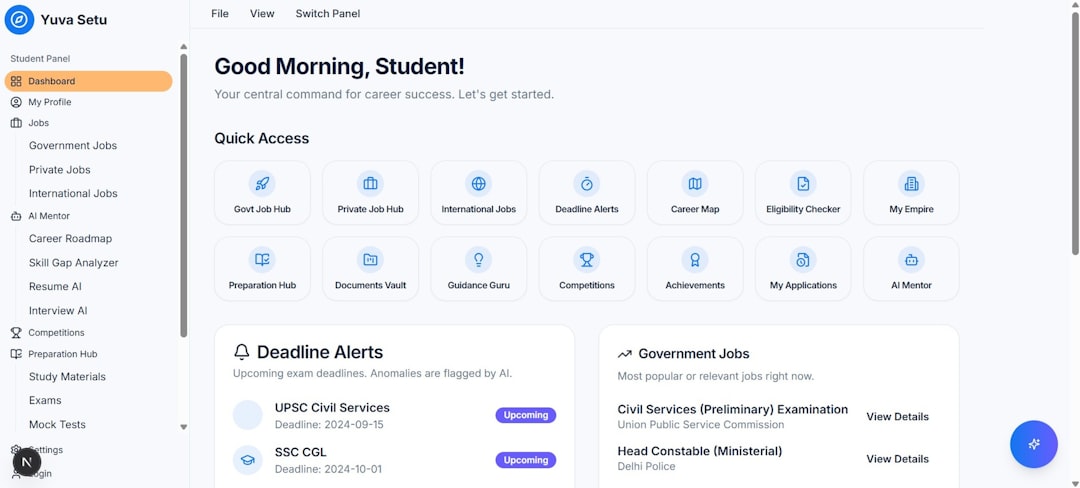
Here’s a simple structure example:
Best Practices for Sharing Knowledge
Even the best platform will fail if no one uses it.
Here’s how to encourage adoption:
Make It the First Stop
Encourage employees to check the knowledge base before asking questions.
Lead by Example
Managers should actively use and update it.
Reward Contributions
Celebrate team members who add helpful content.
Keep It Friendly
Use a simple tone. Add screenshots. Make it easy to read.
Integrate Into Daily Workflow
Add links in project tools. Reference it in meetings. Make it part of everyday work.
Common Mistakes to Avoid
Knowledge bases sound simple. But mistakes happen.
Mistake 1: Overcomplicating It
If it feels complex, people stop using it.
Mistake 2: Letting It Go Stale
Outdated information destroys trust.
Mistake 3: Poor Organization
If content is messy, search becomes useless.
Mistake 4: Not Training the Team
Show employees how to use it properly.
The Hidden Superpower: Culture
A knowledge base is not just technology. It reflects company culture.
When people share knowledge freely, trust grows. Silos shrink. Collaboration improves.
It sends a message:
“What you know matters. And we value sharing it.”
This mindset builds stronger teams.
Imagine a workplace where:
- No one hoards information
- Learning is constant
- Questions are welcomed
- Solutions are documented
That is powerful.

Internal Knowledge Base vs. External Knowledge Base
It helps to understand the difference.
Internal knowledge bases are for employees only. They contain private processes and internal documentation.
External knowledge bases are customer-facing. They help users solve product or service issues on their own.
Some companies use both. One for the team. One for customers.
How Small Businesses Benefit
You might think knowledge bases are only for big companies. Not true.
Small teams benefit even more.
Why?
- They move fast
- They juggle many roles
- They cannot afford wasted time
A small marketing agency, for example, can document campaign processes. A startup can record product decisions. A retail company can outline store procedures.
Even a five-person team gains clarity.
The ROI of Knowledge Management
Let’s talk numbers. Time is money.
If each employee saves just 30 minutes per week by not searching for information, the yearly impact is huge.
Add faster onboarding. Fewer errors. Less duplicated work.
The return on investment grows quickly.
Plus, there is something priceless: peace of mind.
When knowledge is organized, work feels lighter.
Looking Ahead: The Future of Knowledge Bases
Modern platforms are getting smarter.
Many now include:
- AI-powered search
- Automatic content suggestions
- Smart tagging
- Usage analytics
These tools help teams understand:
- What people search for most
- What content is missing
- Which articles need improvement
Knowledge management is no longer boring. It is evolving.
Final Thoughts
An internal knowledge base platform is more than a digital filing cabinet. It is your company’s shared memory. It protects ideas. It supports growth. It brings order to chaos.
Keep it simple. Keep it organized. Keep it updated.
When knowledge flows freely, teams move faster. Mistakes shrink. Confidence grows.
And that is the true power of storing and sharing what you know.