Top 6 Ways To Use Fake GPS On PC Or Mac For Apps, Games, And Development Testing
5 min read
Using a fake GPS on a PC or Mac has become increasingly popular among gamers, app testers, marketers, and privacy-conscious users. By simulating a different geographic location, users can explore region-locked content, test software behavior, and enhance gameplay without physically moving. Fake GPS tools are no longer limited to mobile devices—they now integrate seamlessly with desktop environments for broader control and flexibility.
TLDR: Fake GPS tools on PC and Mac allow users to simulate different geographic locations for apps, games, testing, and privacy protection. They are especially useful for developers, AR gamers, digital marketers, and remote workers who need controlled location simulations. This guide outlines the top six use cases, compares popular tools, and answers common questions. When used responsibly, fake GPS software can dramatically improve efficiency and testing accuracy.
Below are the top six ways people use fake GPS on desktop platforms, along with examples and practical insights.
1. Enhancing Location-Based Games
One of the most common uses of fake GPS software is for location-based AR games. Games like Pokémon GO, Monster Hunter Now, and similar augmented reality titles require players to physically move around to unlock rewards, attend events, or capture in-game items.
By using a GPS spoofer on PC or Mac, players can:
- Access rare location-specific characters or items
- Participate in global in-game events
- Simulate walking routes automatically
- Test gameplay mechanics without travel
Important: Game developers often prohibit spoofing. Users should understand the risks involved, including account suspension.
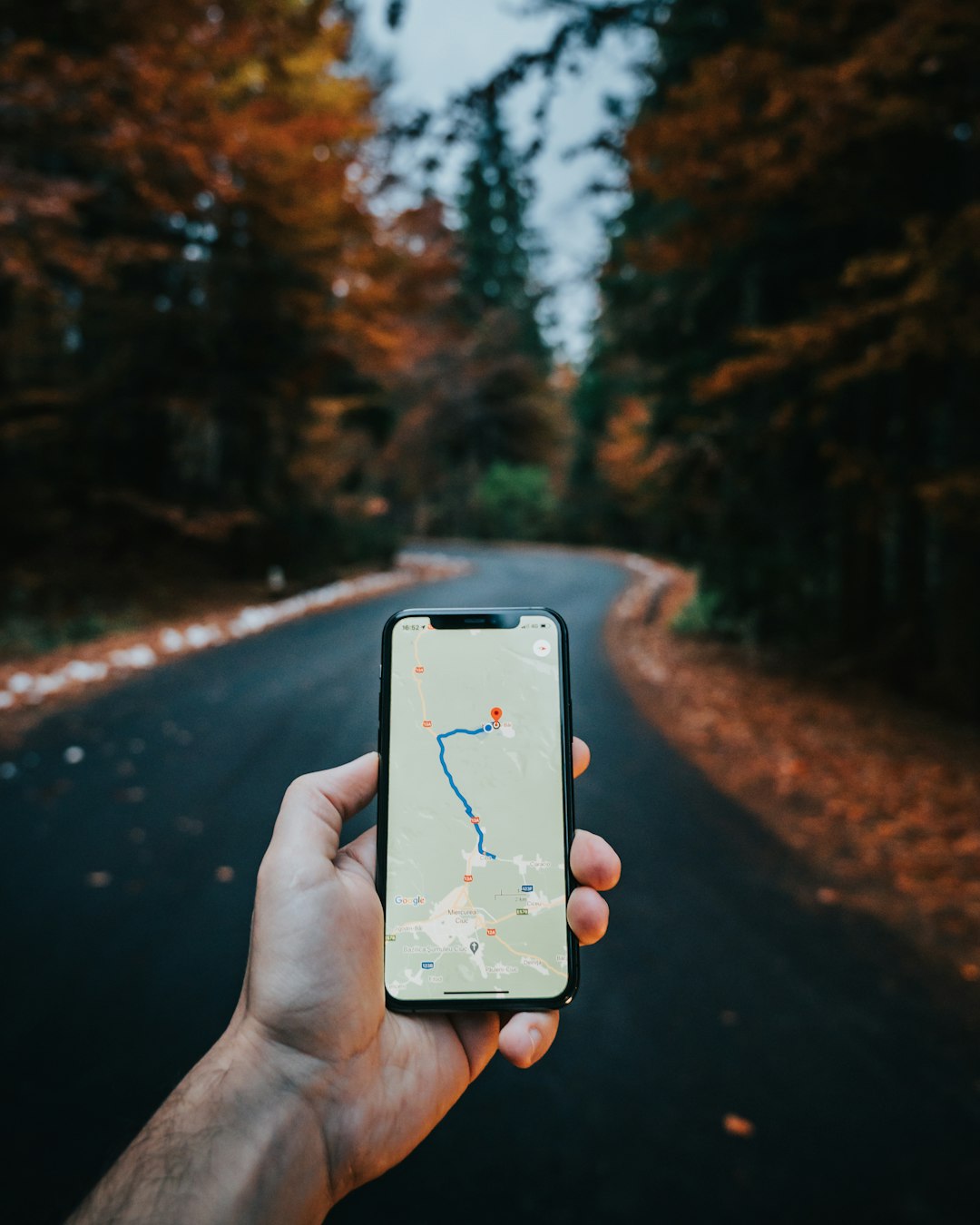
Desktop tools are especially useful because they allow joystick movement, route planning, and precise coordinate entry, offering more control than many mobile-only apps.
2. Testing Mobile Apps During Development
For developers, fake GPS tools are essential for development and QA testing. Many apps provide different features depending on a user’s geographic location, including:
- Local pricing displays
- Language customization
- Region-specific content
- Geo-restricted access
Instead of traveling to different cities or countries, developers can simulate coordinates directly from their PC or Mac environment while running emulators or connected devices.
Benefits for development teams include:
- Reduced testing costs
- Faster bug identification
- Improved QA automation
- Better user experience validation
Fake GPS software integrates well with Android emulators, iOS simulators, and physical devices connected via USB. This makes it invaluable for controlled, repeatable testing scenarios.
3. Accessing Geo-Restricted Apps and Features
Some apps release features gradually across different regions. With a fake GPS on desktop, users can preview or test these features before official rollout in their country.
Common examples include:
- Beta features in social media apps
- Region-locked streaming previews
- Location-based promotions
- Local service availability checks
While VPNs change IP location, many applications rely specifically on GPS coordinates. A spoofing tool complements VPN usage by aligning both IP data and GPS data.
Note: Users must review the terms of service for each platform before attempting geographic simulation.
4. Managing Social Media and Marketing Campaigns
Digital marketers and social media managers use fake GPS tools to simulate local check-ins and evaluate how posts appear in different cities.
This is particularly useful for:
- Testing localized ads
- Verifying geo-targeted campaigns
- Monitoring region-specific engagement
- Analyzing competitor visibility in other markets
For example, a business launching a campaign in Tokyo can simulate a Tokyo location on a PC to confirm proper ad display, hashtag localization, and map indexing.
Marketing teams benefit from being able to preview results instantly rather than waiting for remote reports.
5. Protecting Privacy and Personal Safety
Fake GPS tools can also serve as a privacy safeguard. Some users prefer not to reveal their exact location when using apps that request GPS access.
Privacy-focused uses include:
- Masking home location in dating apps
- Avoiding exposure of frequent travel patterns
- Preventing location tracking misuse
- Reducing targeted advertising accuracy
On desktop, users can manage spoofed coordinates more precisely and disable them quickly when needed.
However, privacy protection should never be used to mislead or engage in unlawful activity.
6. Simulating Real-World Movement and Route Planning
Many advanced fake GPS programs allow users to simulate realistic movement paths. Instead of jumping between coordinates, users can create:
- Walking routes
- Driving simulations
- Variable-speed trajectories
- Multi-point navigation paths

This feature is particularly valuable for:
- Testing delivery apps
- Validating fitness app tracking
- QA testing logistics software
- Simulating real-world ride-sharing scenarios
Desktop interfaces make route editing easier due to larger maps and precise coordinate management.
Popular Fake GPS Tools Comparison
| Tool Name | Platform | Best For | Route Simulation | Ease of Use |
|---|---|---|---|---|
| iMyFone AnyTo | Windows, Mac | Gaming & App Testing | Yes | Very Easy |
| Tenorshare iAnyGo | Windows, Mac | iOS Location Simulation | Yes | Easy |
| Dr.Fone Virtual Location | Windows, Mac | Multi-Device Testing | Yes | Moderate |
| MockGo | Windows, Mac | Quick GPS Changes | Limited | Easy |
| Android Emulator GPS Controls | Windows, Mac | Android Developers | Manual | Moderate |
When choosing a tool, users should consider device compatibility, required features, system requirements, and budget.
Best Practices When Using Fake GPS Software
- Respect platform policies and terms of service.
- Use spoofing primarily for testing or privacy—not deception.
- Avoid frequent drastic location jumps in online games.
- Combine with VPN cautiously to prevent data inconsistencies.
- Disable spoofing when not needed to avoid app conflicts.
Responsible usage ensures that fake GPS tools remain beneficial rather than problematic.
Frequently Asked Questions (FAQ)
1. Is using a fake GPS on PC or Mac legal?
In most regions, using fake GPS software itself is legal. However, how it is used matters. Violating app terms of service or engaging in fraudulent activities can lead to penalties or bans.
2. Can fake GPS tools work with both Android and iPhone?
Yes. Many desktop-based GPS spoofers support both Android and iOS devices when connected via USB or emulator environments.
3. Do I need a VPN with fake GPS software?
Not always. Some apps rely only on GPS data, while others check IP addresses. In certain cases, aligning both GPS and IP location may improve consistency.
4. Is there a risk of getting banned in games?
Yes. Many games actively monitor unnatural movement patterns and location inconsistencies. Users should understand these risks before spoofing.
5. Can developers automate GPS testing?
Yes. Many tools support route simulation and script-based coordinate changes, making automated QA workflows easier.
6. Does fake GPS slow down a computer?
Most reputable tools are lightweight and run efficiently. However, performance may vary depending on system resources and whether an emulator is used.
Fake GPS tools for PC and Mac offer powerful capabilities for gaming, development, marketing, and privacy control. When used responsibly, they provide flexibility and efficiency that would otherwise require extensive travel or physical relocation. As location-based technology continues to evolve, desktop GPS simulation will remain a valuable tool across multiple industries.