How to Unlink Facebook and Instagram: A Step-by-Step Guide
4 min read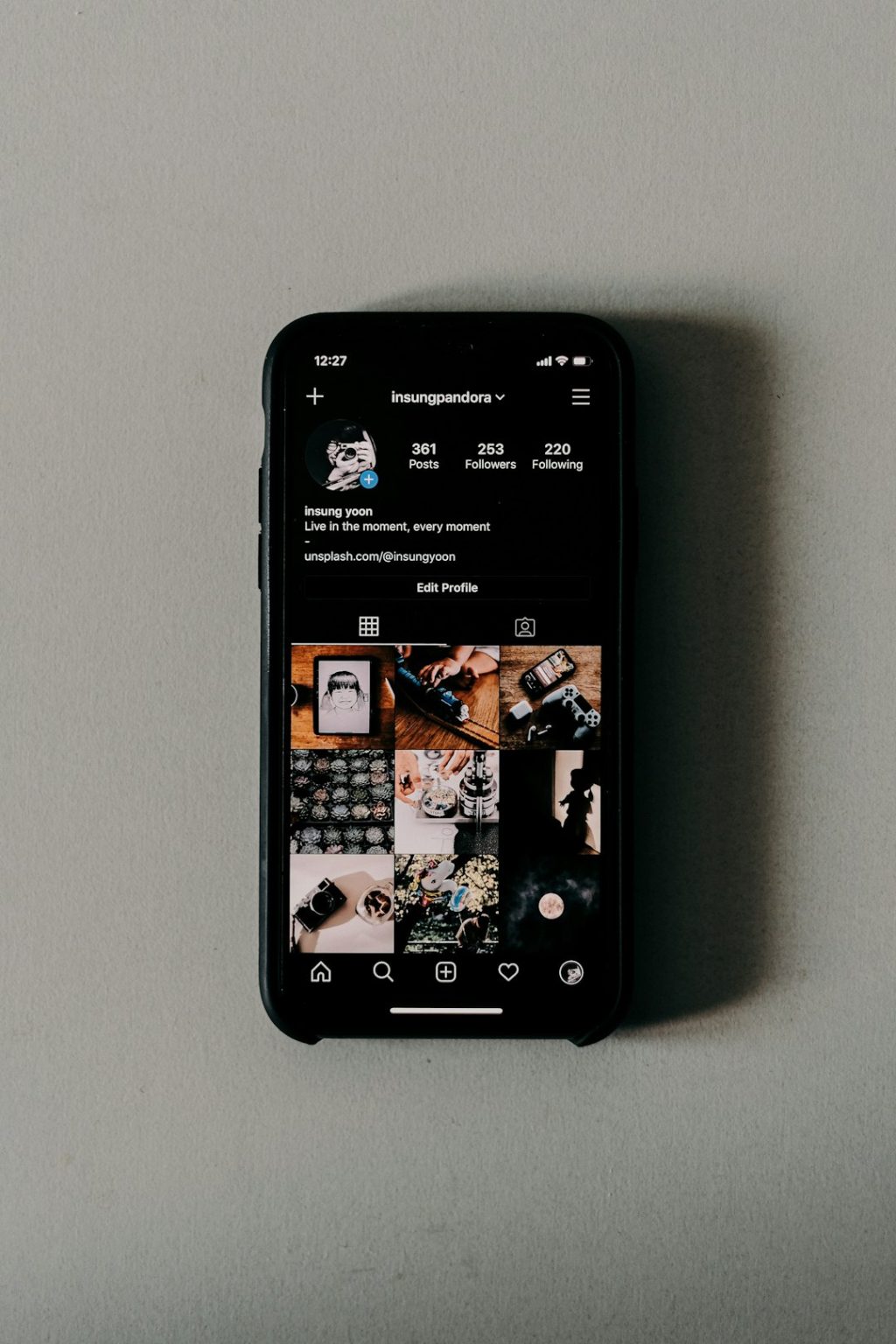
In today’s digital landscape, many users choose to link their social media accounts for convenience. Facebook and Instagram, both owned by Meta, offer simple integrations that allow users to cross-post content, manage messages, and sync profile details. However, there are times when users decide to unlink these platforms — perhaps due to privacy concerns, a desire for platform separation, or to manage accounts independently. Whatever the reason, the process of unlinking Facebook from Instagram is straightforward if done correctly.
TLDR (Too Long, Didn’t Read)
If you’re looking to separate your Facebook and Instagram accounts, you can do so directly within the Instagram app or Facebook settings. The process involves navigating to the account settings, selecting the linked accounts section, and removing the Facebook connection. Unlinking prevents automatic sharing and content syncing, giving you more control over each profile. Just remember that once unlinked, features like unified messaging and cross-posting will be disabled.
Why Unlink Facebook and Instagram?
Before diving into the steps, it’s important to understand the reasons users might want to unlink these social media accounts:
- Increased Privacy: Keeping accounts separate may help to reduce data sharing between platforms.
- More Control: Users can manage posts, followers, and settings independently for each account.
- Personal vs. Professional Use: Individuals may want to keep personal Facebook profiles separate from professional Instagram accounts.
- Reduced Notifications: Unlinking can help minimize unnecessary notifications and clutter.
How to Unlink Facebook from Instagram on the Mobile App
The easiest way to unlink these two platforms is through the Instagram mobile app. Here is a step-by-step guide to doing just that:
- Open the Instagram App: Launch Instagram on your iPhone or Android device and go to your profile.
- Access Settings: Tap on the three-line menu (hamburger icon) in the top-right corner, then select Settings and privacy.
- Go to Accounts Center: Scroll down and find the section titled Accounts Center (usually under Meta branding). Tap on it.
- Select Accounts: Under Accounts Center, tap on your name or profile to see which accounts are connected.
- Choose the Facebook Account: Tap on the Facebook account listed to view details.
- Remove the Account: Tap Remove from Accounts Center at the bottom of the screen. Confirm when prompted.
This process should immediately unlink your Facebook from Instagram and end cross-platform functionalities like auto-publishing posts or sharing stories.

How to Unlink Instagram from Facebook Via Facebook Settings
Alternatively, you can unlink Instagram while using the Facebook mobile app or desktop following the steps below:
- Open the Facebook App or Website: Log in with your credentials.
- Navigate to Settings: Choose the hamburger menu (on mobile) or downward arrow (on desktop), then go to Settings & Privacy.
- Open the Accounts Center: Scroll down and locate the Accounts Center section, part of Meta’s unified settings.
- View Connected Accounts: You’ll see both your Facebook and Instagram profiles here. Tap on the Instagram account.
- Remove the Instagram Account: Select Remove from Accounts Center and confirm your choice.
This step ensures Facebook will no longer be linked to your Instagram profile. Features like shared login and joint ad management will also be disabled post-unlink.
What Happens After Unlinking?
Once Facebook and Instagram accounts are unlinked, here’s what will change:
- No More Cross-Posting: You’ll need to publish content separately to each platform.
- Separate Notifications: Notifications and messaging systems will no longer be synced.
- Ad Campaigns Affected: Ad settings and accounts that relied on both platforms may require reconfiguration.
- Password Independence: You’ve now decoupled login credentials, meaning password changes will not sync across platforms.
Considerations Before Unlinking
There are a few things to keep in mind before you decide to unlink your accounts:
- Saved Login Info: Make sure you know your current Instagram and Facebook passwords. Once unlinked, you can no longer use one to log in to the other.
- Access to Features: Certain features like Facebook Shops or unified ad management may be disabled.
- Messaging Integrations: If you’re using Messenger integrated with Instagram DMs, these functions will revert to platform-specific standards.
How to Re-Link the Accounts (If Needed)
If you ever want to reconnect your accounts after unlinking, here’s how you can do it:
- Open Instagram: Head to your profile and access Settings and privacy.
- Enter Accounts Center: Scroll down to Meta’s Accounts Center.
- Tap on Add Accounts: Follow the prompts to log into your Facebook account and link it back.
Once the accounts are relinked, you’ll regain access to cross-publishing, ad management, and shared login capabilities.
Benefits of Keeping Accounts Separate
While linking Facebook and Instagram can be convenient, keeping them separate has its own advantages:
- Better Security: If one account is compromised, the other remains unaffected.
- Focused Branding: Ideal for users who maintain separate personal and professional presences online.
- More Control: Each account has unique privacy, notification, and content settings.
FAQs About Unlinking Facebook and Instagram
-
Can I unlink Facebook and Instagram without deleting either account?
Yes, unlinking them only removes the connection between platforms; it doesn’t delete either account. -
Will I lose my followers or content after unlinking?
No, your followers and previously posted content on both platforms will remain intact. -
Can I still use Instagram to log in to Facebook or vice versa?
No, once unlinked, you’ll use separate login credentials for each account. -
Is this a permanent change?
Not necessarily. You can re-link the accounts at any time through the Accounts Center. -
What happens to shared content when I unlink the accounts?
Existing shared content will remain, but you can’t post to both platforms simultaneously moving forward. -
Will my ad campaigns be affected?
Potentially yes. If your campaigns were integrated across both platforms, you may need to adjust your settings.
By taking the time to understand how unlinking works and learning the proper steps, users can take more control over their online presence. Whether it’s for better privacy, simpler management, or strategic branding, disconnecting these two platforms can be a smart move in today’s social media environment.