Beginner-Friendly Text-to-Speech Tools You Can Start Using Today
4 min read
Text-to-speech (TTS) tools are no longer futuristic gadgets. They are everywhere. From YouTube videos to online courses to audiobooks, computer voices are helping people create content faster than ever. The best part? You do not need to be tech-savvy to use them. Today’s tools are simple, friendly, and built for beginners.
TLDR: Text-to-speech tools turn written text into natural-sounding audio in minutes. Many platforms are beginner-friendly and offer free plans to get started. Tools like Murf, Speechify, PlayHT, NaturalReader, WellSaid Labs, and ElevenLabs are easy to use and packed with features. If you can copy and paste, you can create voiceovers today.
Let’s explore six beginner-friendly text-to-speech tools you can start using right now.
1. Murf.ai
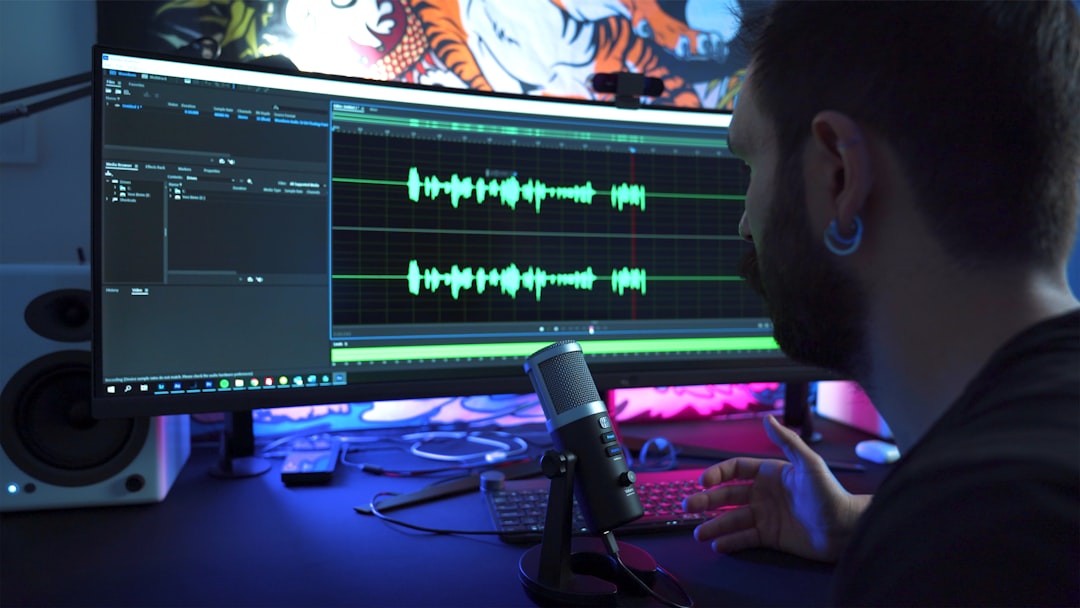
Murf is one of the most popular TTS tools for beginners. And for good reason. Its interface is clean and simple. You just paste your text, pick a voice, and click play.
It feels like editing a slideshow. You can adjust speed, tone, and pauses with just a few clicks.
Why beginners love it:
- Drag-and-drop style editor
- Large voice library
- Easy voice customization
- Great tutorials and guides
Murf is perfect for:
- YouTube voiceovers
- Presentations
- E-learning lessons
- Marketing videos
It offers a free trial, so you can experiment before spending any money.
2. Speechify
Speechify started as a reading tool. It helps people listen to articles, PDFs, and documents instead of reading them. But content creators quickly found it helpful too.
It works on desktop and mobile. That means you can convert text to speech on the go.
Why it is great for beginners:
- Super simple interface
- Upload PDFs and docs easily
- Natural-sounding voices
- Mobile app support
Speechify is ideal for:
- Students
- Busy professionals
- Podcast script listening
- Personal productivity
If your main goal is turning written content into audio quickly, this tool makes it almost effortless.
3. PlayHT
PlayHT gives you access to a huge range of AI voices. Many of them sound impressively human. It supports multiple languages and accents.
You paste your script. Choose a voice. Then download the audio file.
Simple.
Beginner-friendly features:
- Clear voice categories
- Language selection menu
- Easy download options
- No complex setup

This tool is great if you:
- Create global content
- Need multiple accents
- Run a faceless YouTube channel
- Produce audiobooks
The dashboard is neat and straightforward. You will not feel overwhelmed.
4. NaturalReader
NaturalReader has been around for years. It focuses on accessibility and ease of use. That makes it perfect for beginners.
You can use it online or download the desktop version. There is even a browser extension.
Why people start here:
- Very clean interface
- Free version available
- Supports many file types
- Adjustable reading speed
It is especially helpful for:
- Students with reading difficulties
- Proofreading content
- Listening to blog posts
- Basic voiceover needs
If you want something simple and reliable, NaturalReader is a safe bet.
5. WellSaid Labs
WellSaid Labs is known for its incredibly realistic voices. The voices sound less robotic and more conversational.
It is slightly more advanced. But beginners can still navigate it easily.
What makes it stand out:
- Studio-quality voices
- Easy script editor
- Quick rendering time
- Professional sound
This tool works best for:
- Corporate training
- Professional presentations
- Product demos
- High-quality video narration
If you want a polished, business-ready sound, this platform delivers.
6. ElevenLabs
ElevenLabs has gained attention for its ultra-realistic AI voices. Some are so natural that people can barely tell they are AI.
The interface is minimal. Paste your text. Choose a voice. Generate audio.
Beginner perks:
- Clean dashboard
- Fast audio generation
- Emotional tone control
- Free tier available
It is perfect for:
- Storytelling
- Audiobooks
- Character voices
- Creative projects
If you want expressive AI voices without complexity, this is a strong choice.
Quick Comparison Chart
| Tool | Ease of Use | Voice Quality | Best For | Free Plan |
|---|---|---|---|---|
| Murf | Very Easy | High | Videos and presentations | Free Trial |
| Speechify | Very Easy | Natural | Reading and productivity | Limited Free |
| PlayHT | Easy | Very High | Global content | Free Trial |
| NaturalReader | Extremely Easy | Good | Students and basic use | Free Version |
| WellSaid Labs | Easy | Studio Quality | Professional projects | Trial |
| ElevenLabs | Very Easy | Ultra Realistic | Storytelling | Free Tier |
How to Choose the Right One
Feeling unsure? That is normal. Here is a simple way to decide.
Ask yourself:
- Do I need this for fun or business?
- Do I need multiple languages?
- How important is ultra-realistic voice quality?
- What is my budget?
If you are just experimenting, start with a free plan. Test two or three tools. Listen carefully. Some voices will feel more natural to you than others.
Trust your ears.
Tips for First-Time Users
Even the best tool needs good input. Here are quick tips to make your audio sound better:
- Write short sentences. They sound more natural.
- Add punctuation. It helps with pauses.
- Break text into paragraphs. This improves flow.
- Test different voices. Small changes make a big difference.
- Adjust speed slightly. Too fast sounds unnatural.
And here is an easy trick. Read your script out loud before generating audio. If you stumble, the AI might too.
Why Text-to-Speech Is So Popular Right Now
Audio content is booming. People listen while driving. While walking. While cooking.
Not everyone wants to read long articles. Many prefer listening.
Text-to-speech also:
- Saves time
- Cuts recording costs
- Removes microphone anxiety
- Speeds up content production
And you do not need expensive equipment. Just your laptop and an internet connection.
Final Thoughts
Getting started with text-to-speech is easier than ever. You no longer need technical skills. Or a radio voice. Or recording gear.
Tools like Murf, Speechify, PlayHT, NaturalReader, WellSaid Labs, and ElevenLabs make the process simple and fast.
Pick one. Paste your text. Click generate.
That is it.
Before you know it, your words will have a voice. And your ideas will be heard in a whole new way.