Kwikset Smart Lock Not Working? Fix It
5 min read
Smart locks like those from Kwikset are revolutionizing home security with convenient keyless entry, sleek design, and integration with smart home systems. However, as with all tech, they can sometimes fail or behave unexpectedly, causing frustration right at your front door. If your Kwikset smart lock isn’t working properly, don’t panic—many common issues can be resolved with a few simple steps.
TL;DR
If your Kwikset smart lock isn’t working, the issue could stem from low battery, misalignment of the lock hardware, or a software error. Start by replacing the batteries and checking for loose screws or misaligned components. A factory reset can often solve persistent problems, and don’t forget to update your lock’s firmware if it connects to a smart home system. If you’ve tried everything and it’s still not working, customer support may be your best next move.
Common Issues That Cause Kwikset Smart Locks to Malfunction
Before diving into solutions, it’s useful to know the usual suspects when it comes to smart lock issues. Here are the most frequent causes behind a Kwikset lock that suddenly stops working:
- Low or dead batteries
- Jammed or misaligned deadbolt
- Outdated firmware or connection issues with smart hubs
- Incorrect installation
- User code or programming errors
Step-by-Step Troubleshooting Guide
Let’s examine step-by-step solutions for the most common Kwikset lock failures.
1. Check the Batteries
This is the easiest and most often overlooked issue. If the keypad or touchscreen is unresponsive, the motor is sluggish, or the lock simply won’t respond, the batteries are likely the culprit.
- Remove the battery pack from inside the unit
- Replace old batteries with four fresh AA alkaline batteries (avoid rechargeable or lithium)
- Wait a few moments and reinsert the battery pack to reboot the system
You should see lights or hear a sound indicating a successful reboot.
2. Realign the Lock Mechanism
If your door lock is sticking, hard to turn, or refuses to lock or unlock even with working batteries, the issue might be mechanical}
Close your door, and observe whether the deadbolt freely extends and retracts. If you need to lift or push the door for it to lock, misalignment is likely the issue. This may be due to:
- Settled door frames
- Loose mounting hardware
- External weather conditions causing wood expansion
To fix this:
- Tighten all screws on both the interior and exterior sides of the lock
- Ensure the deadbolt smoothly passes through the strike plate
- Reposition the strike plate as needed or file it to allow more clearance
3. Perform a System Reset
If your keypad displays error messages or won’t accept valid user codes, a simple system reset might rescue it. To reset a Kwikset Smart Lock:
For models like Kwikset SmartCode Deadbolt:
- Remove the lock’s battery pack
- Press and hold the “Program” button
- While holding, reinsert batteries and continue holding the button for 30 seconds
- Release the button when the lock beeps or flashes red
- Wait for the green light—which means reset is complete
Note: A factory reset erases all user codes and resets settings to default.
4. Reprogram User Codes
Sometimes, the issue may be as simple as a deleted or corrupted entry code. Ensure you know the correct procedure to add or remove codes for your specific model.
- Ensure the lock is in programming mode, typically by pressing the “Program” button
- Enter your master code followed by the button press specific to your model
- Follow prompts to add or delete user access codes
Consult your model’s manual or look it up on the Kwikset official site if you’re unsure of the code procedure.
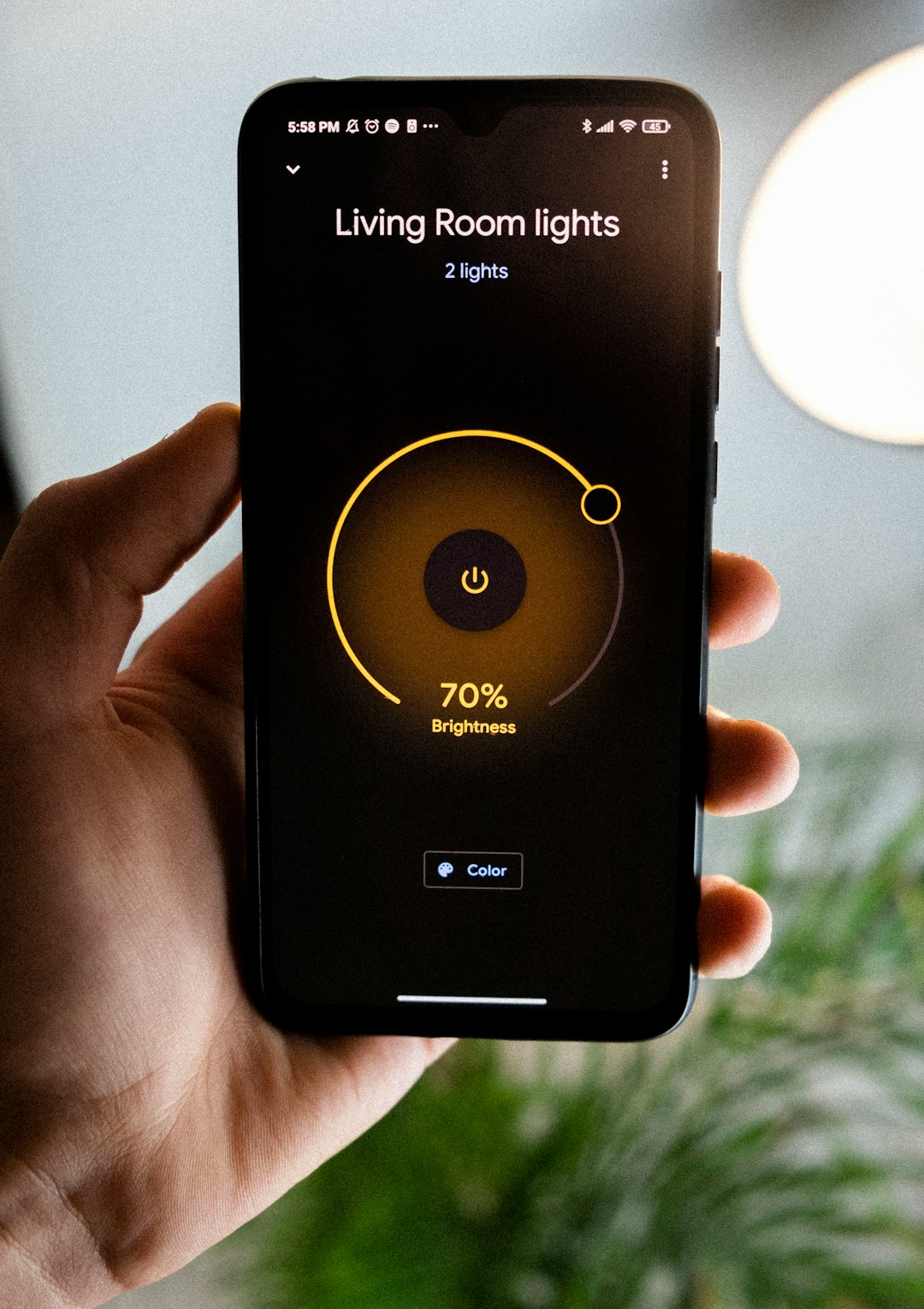
5. Check Connectivity to Smartphone App or Smart Home Hub
If your Kwikset smart lock connects to platforms like Z-Wave, Zigbee, or Bluetooth, the issue could lie in its connection to your smart home system.
Here’s how to re-establish the connection:
- Restart your hub or smartphone: Often, a simple reboot helps restore lost connections
- Reset the network module: For Zigbee or Z-Wave models, remove and re-add the device from your hub’s settings
- Update firmware: Use the corresponding app (like Kwikset App, SmartThings, or Apple HomeKit) to check for updates
6. Handle Auto-Lock and Security Settings
Sometimes your lock is working as intended—it just seems broken due to misunderstood timing settings. If auto-lock is on and it relocks instantly or the touchscreen “locks out” after several invalid attempts, check the settings:
- Use the app or keypad to disable or adjust auto-lock delay
- Wait at least 60 seconds after multiple mistakes, as some models enter lockdown to prevent tampering
What If All Else Fails?
If you’ve exhausted these steps and you’re still unable to get your Kwikset smart lock working, it’s time for reinforcements.
1. Contact Kwikset Support
Kwikset offers phone and online support for all of its smart lock models. They can walk you through more advanced diagnostics. Be sure to have the following handy:
- Model number
- Proof of purchase
- A thorough description of the problem
2. Consider a Warranty Replacement
Kwikset offers a limited lifetime mechanical and finish warranty, and a 1-year electronics warranty. If your lock is relatively new and faulty, you might be eligible for a free replacement.
Pro Tips to Prevent Future Problems
Once your Kwikset smart lock is back in action, make it more reliable by adopting these best practices:
- Replace the batteries every 6–12 months, or when you notice lagging response
- Check alignment monthly. Seasonal changes can shift doorframes slightly
- Keep firmware updated using official apps or your smart hub
- Protect the exterior keypad from direct rain or sunlight for enhanced longevity
In Conclusion
Your Kwikset smart lock is a great addition to your home’s security, but it isn’t immune to issues. The good news is that most problems can be resolved at home without professional help. By systematically checking the battery, alignment, programming, and connectivity, you’ll likely get your lock back into service quickly.
Don’t forget—a little regular maintenance goes a long way in preventing future failures. So the next time your Kwikset lock decides to give you a headache, you’ll be armed with the knowledge (and confidence) to fix it.